Your network is the backbone of your operations. Downtime isn't just a technical glitch; it's a direct hit to your productivity, customer trust, and bottom line. Waiting for something to break is no longer a viable strategy. Shifting from reactive problem-solving to proactive network monitoring is crucial for maintaining performance and security. The challenge, however, is navigating the crowded market to find the right solution for your specific needs.
This guide is designed to cut through the complexity. We provide an in-depth, practical look at the 12 best network monitoring tools available today, moving beyond generic feature lists to offer real-world insights. Each review includes a detailed breakdown of key features, honest pros and cons, transparent pricing information, and the ideal use cases, complete with screenshots and direct links.
We’ll explore solutions perfect for small businesses needing simple uptime alerts, mid-sized companies managing hybrid infrastructure, and even specialized professionals like lawyers and dentists who depend on constant connectivity. Our goal is to equip you with the information needed to select a tool that provides complete visibility and control, turning your network management into a strategic advantage. This curated list will help you find the platform that keeps your business running smoothly, securely, and without costly interruptions.
1. Datadog – Network Monitoring
Datadog excels as one of the best network monitoring tools for organizations deeply invested in cloud or hybrid environments. It's more than just a network tool; it's a comprehensive observability platform that unifies network performance data with application performance monitoring (APM), logs, and infrastructure metrics. This unified approach allows teams to correlate a slow application response directly with a specific network bottleneck, all within a single interface.
Its strength lies in its powerful visualizations and modularity. You can start with Network Device Monitoring to track the health of SNMP-based hardware like routers and switches, and then add Network Path visualization to see hop-by-hop latency between services. This visibility is crucial for diagnosing issues in complex, distributed systems. While its à la carte pricing can become costly for larger deployments and the initial setup may pose a learning curve, its scalability and powerful analytics make it a top choice for growing businesses that need a single pane of glass for their entire tech stack. Integrating its data also helps reinforce your overall security posture, a key component of network security best practices.
Key Information
- Ideal Use Case: Businesses with hybrid or cloud-native infrastructure needing unified monitoring across network, apps, and logs.
- Pros: Highly scalable, modular platform; powerful dashboards and analytics; over 800 integrations.
- Cons: Pricing can add up quickly; can be complex for beginners to configure.
- Pricing: Starts at $5 per host, per month for Network Performance Monitoring. Other features are priced separately.
Visit the Datadog Network Monitoring website to learn more.
2. SolarWinds – Observability (Network & Infrastructure Observability)
SolarWinds is a long-standing leader in the network monitoring space, and its Observability platform continues this legacy. It stands out by offering both SaaS and self-hosted deployment options, making it one of the best network monitoring tools for organizations with traditional on-premise infrastructure as well as those transitioning to the cloud. Its core strength is deep visibility into network devices and traffic, utilizing SNMP monitoring and flow data to provide granular performance metrics.
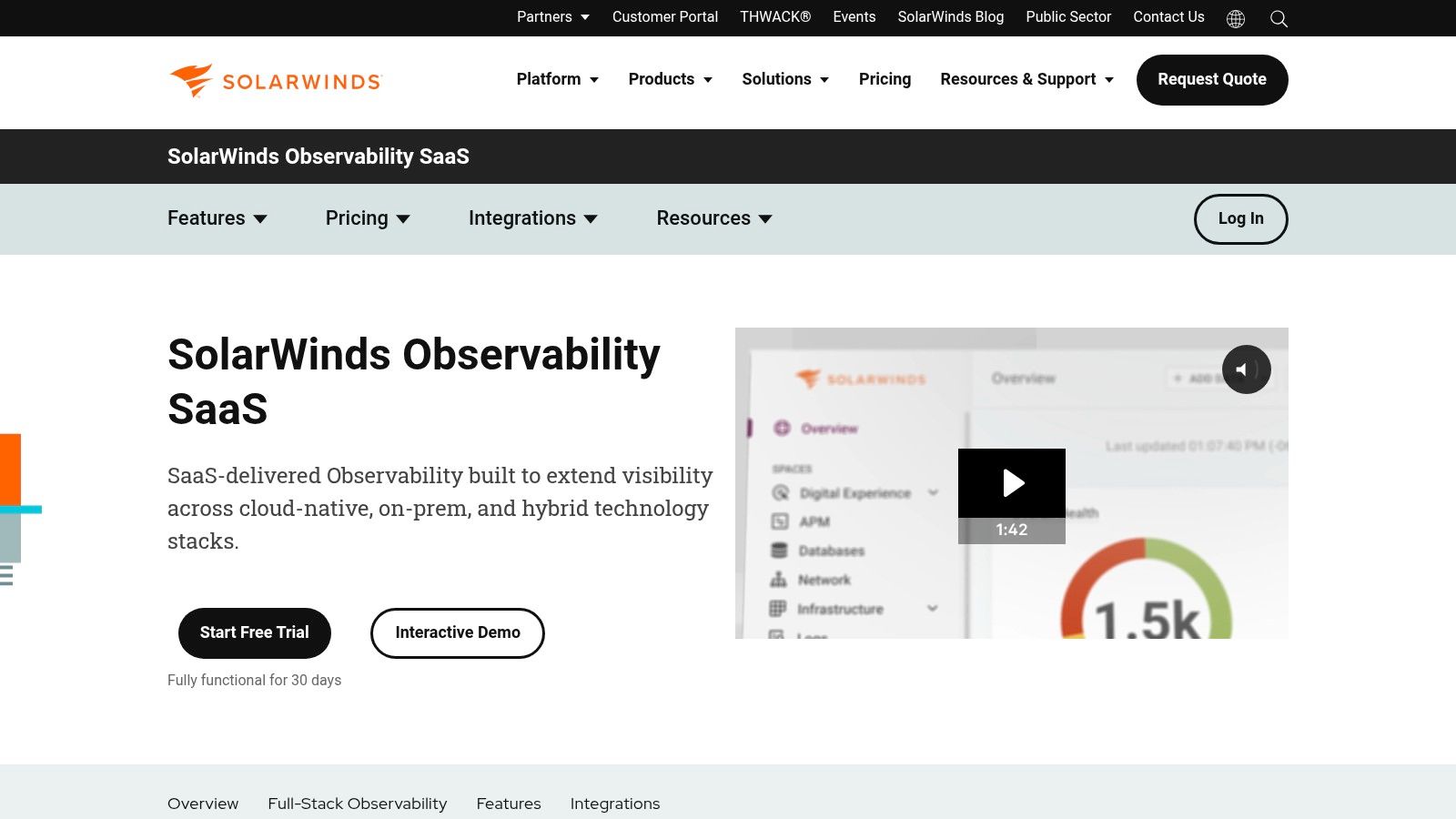
The platform’s path analysis and alerting features are particularly robust, allowing IT teams to quickly pinpoint the root cause of connectivity issues. While the interface is powerful, its sheer number of features and options can be complex to navigate in large-scale deployments, presenting a steeper learning curve than some competitors. However, its comprehensive feature set and flexible licensing based on nodes or devices provide a powerful solution for businesses that require detailed, hardware-level network oversight and extensive reporting capabilities.
Key Information
- Ideal Use Case: Businesses with significant on-premise network hardware that need in-depth device performance monitoring and traffic analysis.
- Pros: Deep heritage in on-prem network monitoring; offers both SaaS and self-hosted options; 30-day fully functional trials available.
- Cons: Can be complex in large deployments; costs increase with scale and the addition of more modules.
- Pricing: Pricing is customized based on the number of nodes/devices and required features. A free trial is available.
Visit the SolarWinds Observability website to learn more.
3. Paessler PRTG Network Monitor
Paessler PRTG Network Monitor is a classic and powerful choice among the best network monitoring tools, particularly favored by organizations that prefer a straightforward, all-in-one licensing model. Its sensor-based approach allows you to monitor exactly what you need, from SNMP and WMI on servers and switches to packet sniffing and flow protocols like NetFlow and sFlow. This flexibility makes it adaptable for everything from small business networks to complex enterprise environments.
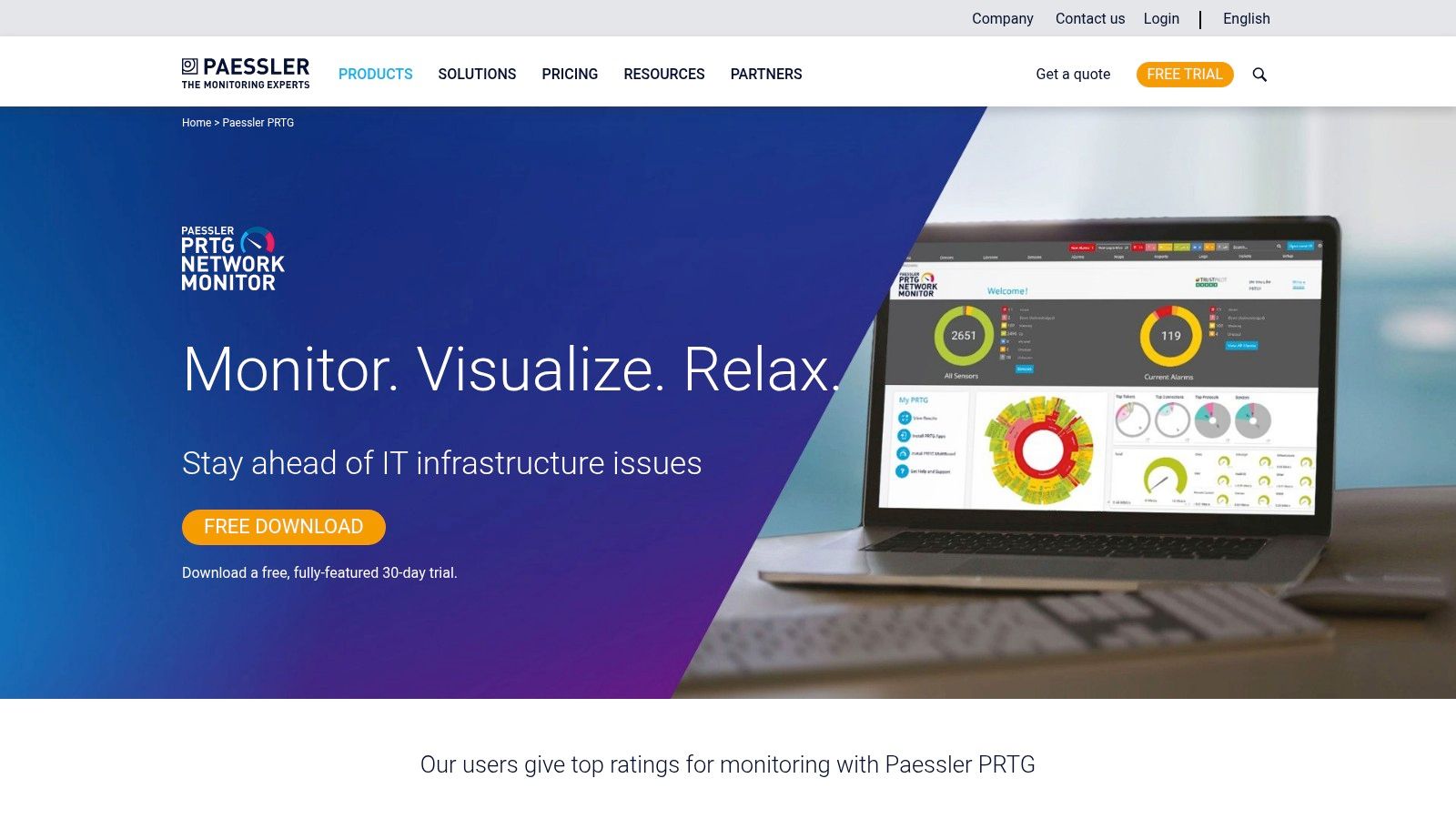
The platform's strength is its out-of-the-box usability and comprehensive feature set. Features like auto-discovery, customizable dashboards, and in-depth reporting are included in every license. While the sensor-based pricing is transparent, it requires careful planning to avoid purchasing more than necessary, as costs can escalate for very large deployments. However, its ability to monitor diverse infrastructure in one place helps ensure high availability and supports critical strategies like network redundancy. The free version for up to 100 sensors is an excellent starting point for smaller networks.
Key Information
- Ideal Use Case: SMBs to large enterprises looking for an all-inclusive monitoring solution with transparent, sensor-based pricing.
- Pros: Transparent tiered pricing by sensor counts; includes all features in one package; generous free tier (100 sensors).
- Cons: Sensor licensing model requires careful planning to avoid overruns; higher tiers can be costly for very large estates.
- Pricing: Free for up to 100 sensors. Paid plans start at $1,899 for a perpetual license for 500 sensors.
Visit the Paessler PRTG Network Monitor website to learn more.
4. LogicMonitor – Hybrid Observability
LogicMonitor stands out as one of the best network monitoring tools for organizations managing complex hybrid and multi-cloud environments. This SaaS-based platform excels with its agentless discovery, which automatically finds and begins monitoring devices across your infrastructure, significantly reducing manual configuration. Its unified approach brings network performance, cloud resources, logs, and infrastructure data into a single, cohesive view, making it ideal for teams that need comprehensive visibility without the complexity of managing multiple tools.
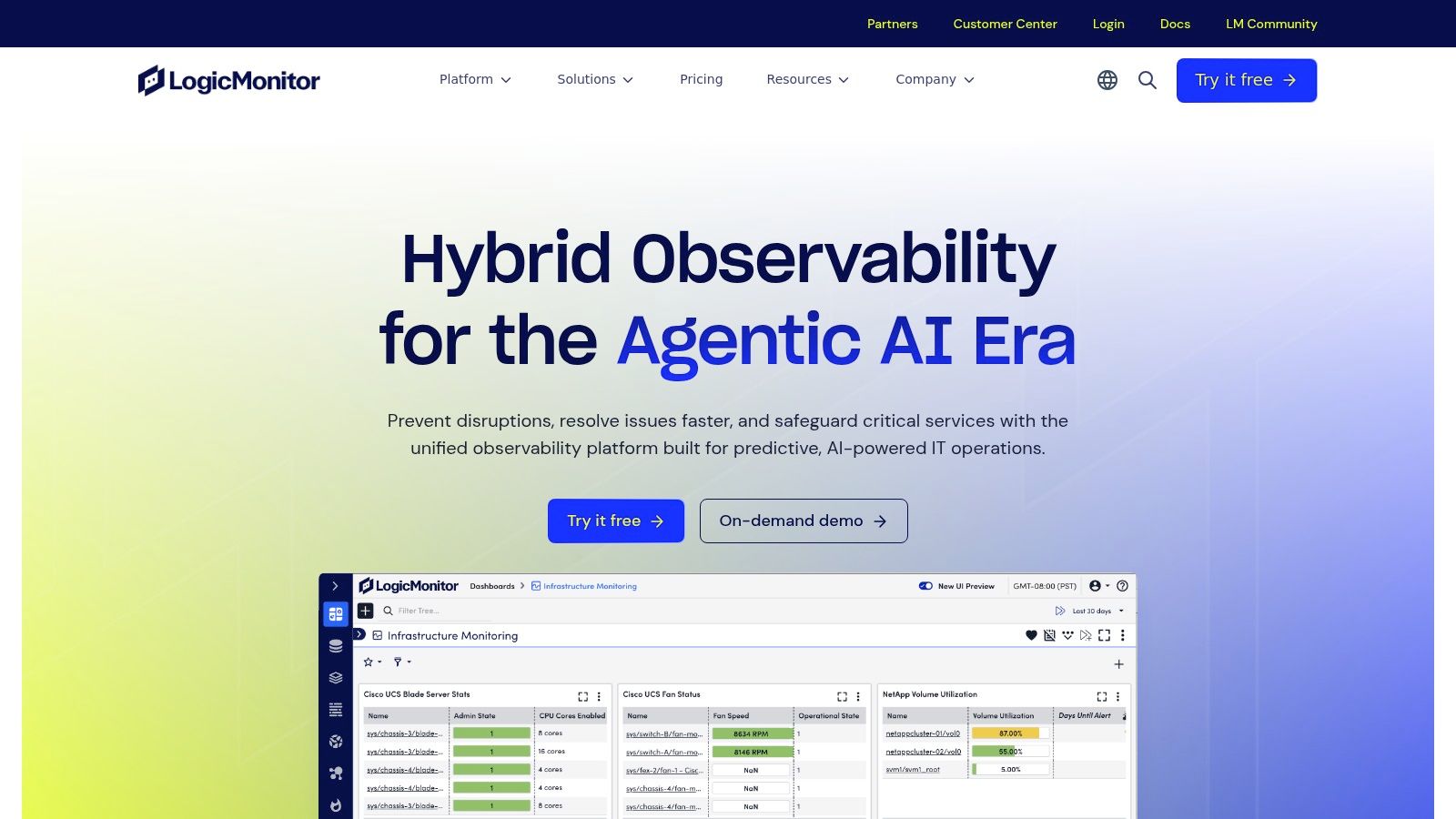
The platform's strength is its combination of extensive integrations (over 3,000) and AI-driven intelligence. Its AIOps engine, Edwin AI, helps teams move from reactive to proactive monitoring by intelligently correlating events and reducing alert noise. This allows IT staff to focus on genuine threats rather than sifting through false positives. While the advanced tiers can become costly for very large deployments, its clear, tiered plans and simplified licensing make it an accessible yet powerful option for businesses seeking to streamline their observability strategy.
Key Information
- Ideal Use Case: Businesses with hybrid or multi-cloud estates needing agentless discovery and AI-powered event correlation.
- Pros: Strong automation and agentless discovery; clear, tiered plans with a free trial; powerful AIOps for intelligent alerting.
- Cons: Advanced tiers can be pricey at scale; may be more costly than some competitors for large-scale deployments.
- Pricing: Offers tiered plans (Pro and Enterprise) with custom pricing based on "Hybrid Units." A 14-day free trial is available.
Visit the LogicMonitor website to learn more.
5. ManageEngine OpManager
ManageEngine OpManager is a powerful, on-premises solution that stands out as one of the best network monitoring tools for organizations seeking comprehensive control over their infrastructure. It provides a classic, all-in-one approach to network management, covering everything from routers and switches to servers and virtual machines using SNMP, WMI, and CLI protocols. The platform is particularly well-suited for businesses that prefer to keep their monitoring data in-house and require a tool that can scale from a small office to a large, distributed enterprise.
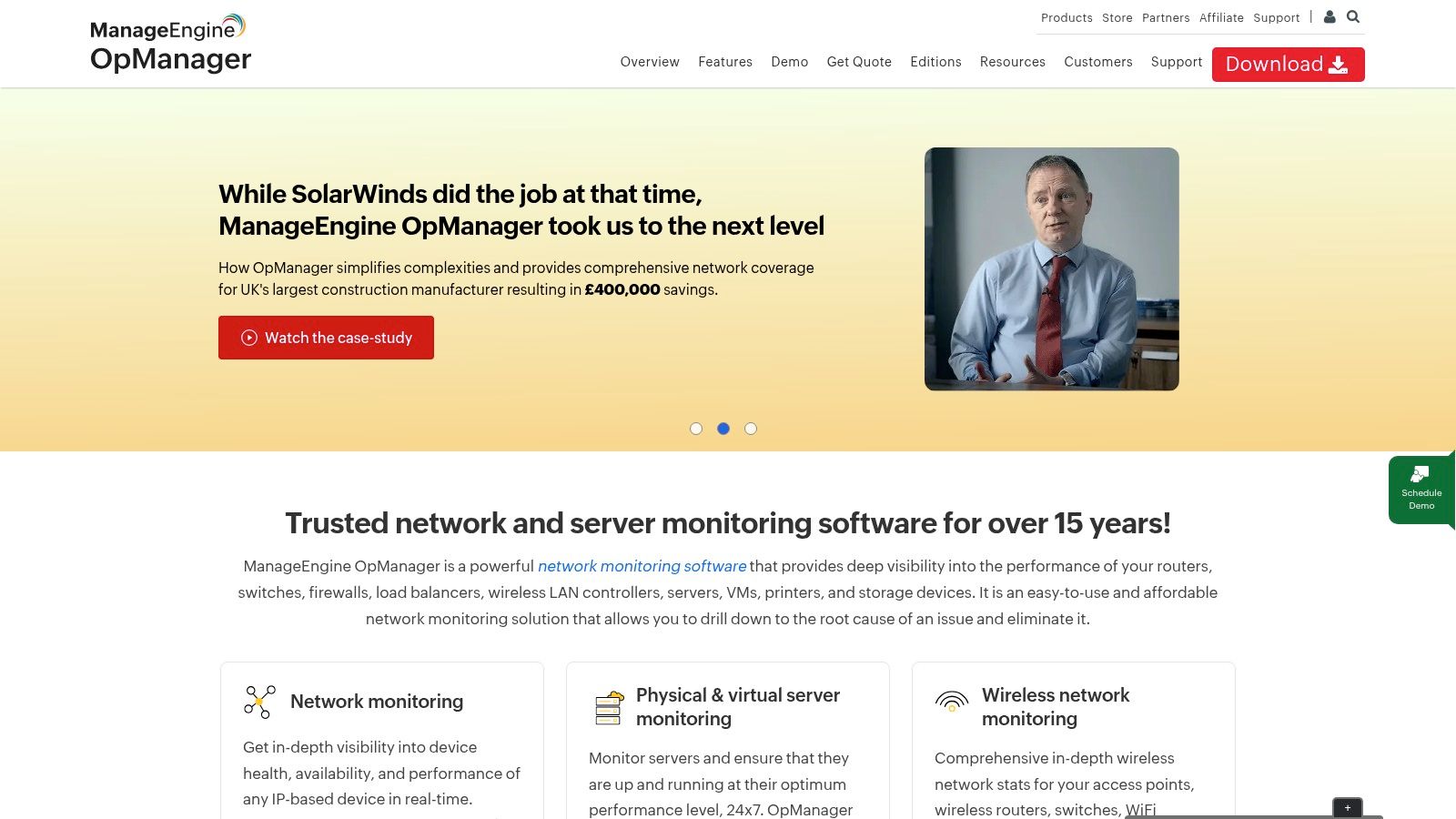
Its strength lies in its extensive feature set available right out of the box, including customizable dashboards, intelligent alerting, and automated network discovery and mapping. Unlike purely SaaS platforms, OpManager's value is enhanced through optional add-ons for network configuration management (NCM) and NetFlow analysis, allowing you to build a deeply integrated monitoring hub. While its traditional UI and extensive features require a dedicated administrator to fully leverage, its competitive entry price and scalability make it an excellent choice for organizations needing granular control without a mandatory cloud subscription.
Key Information
- Ideal Use Case: Small to large businesses looking for a comprehensive, on-premises monitoring solution with the flexibility to add advanced capabilities.
- Pros: Competitive entry pricing; scales effectively for distributed environments; broad device and vendor support.
- Cons: UI and feature depth can require significant administrator time; pricing pages and SKUs may be confusing across different editions.
- Pricing: A free edition is available. Standard Edition pricing is quote-based, starting from $245 for 10 devices.
Visit the ManageEngine OpManager website to learn more.
6. Auvik
Auvik is one of the best network monitoring tools designed for speed and simplicity, making it a favorite among IT teams and especially Managed Service Providers (MSPs). As a cloud-delivered platform, it offers incredibly fast deployment, often discovering and mapping an entire network within minutes. Its core strength lies in its automated, real-time topology mapping, which provides an intuitive and always-current visual of every device, connection, and traffic flow on the network. This immediate visibility drastically reduces troubleshooting time for IT professionals.
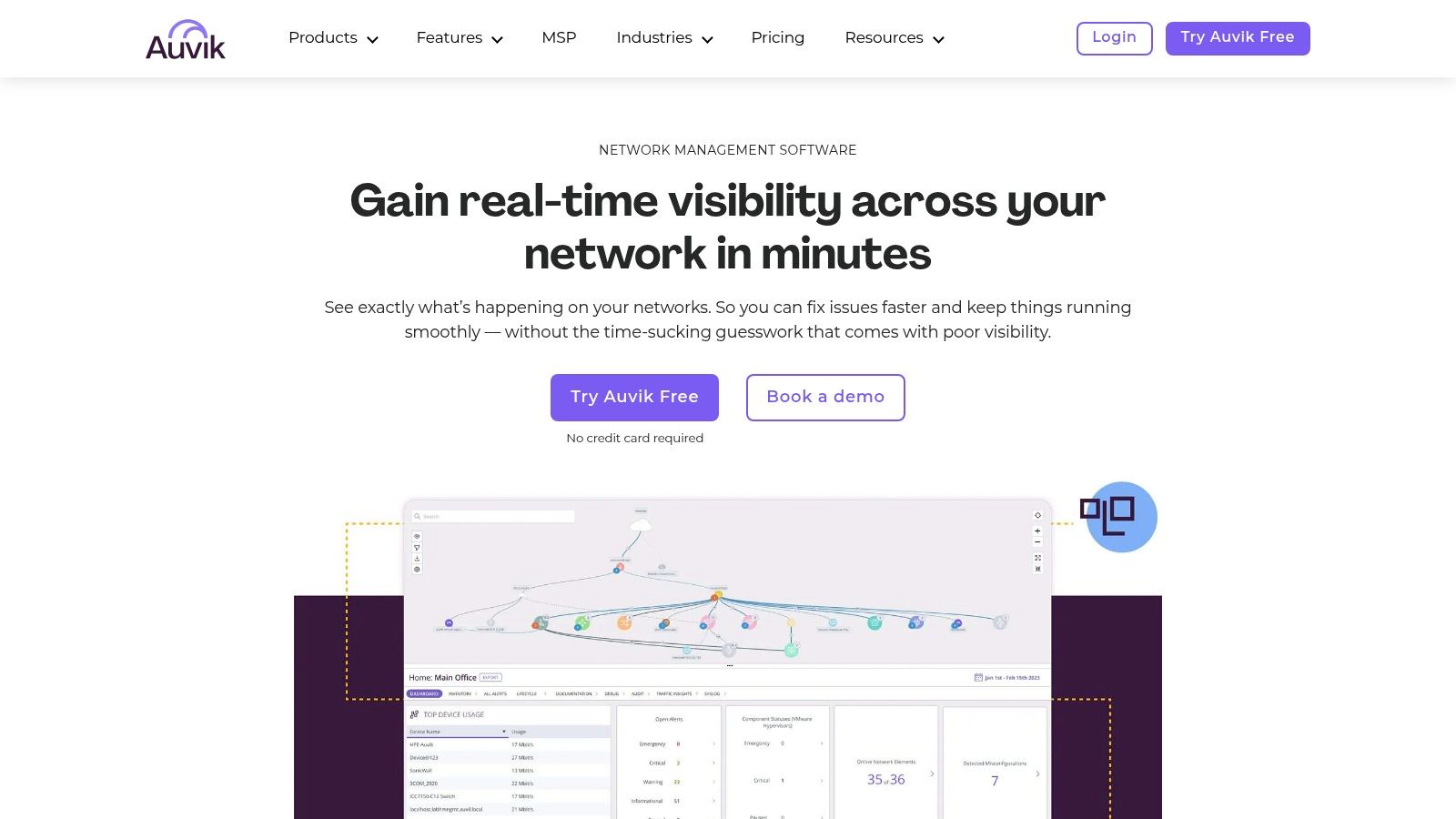
The platform goes beyond simple monitoring by bundling essential management features like configuration backup, change tracking, and remote access directly into the interface. Auvik's multi-tenant architecture is a standout feature, allowing MSPs to manage multiple client networks securely from a single dashboard. While its per-device pricing model can become costly for larger, device-dense environments and requires contacting sales for a quote, its ease of use and rapid time-to-value make it a powerful choice for organizations that need comprehensive network insight without a steep learning curve or lengthy setup process.
Key Information
- Ideal Use Case: Managed Service Providers (MSPs) and small-to-mid-sized businesses needing fast deployment and an intuitive, map-based interface.
- Pros: Extremely fast deployment and automated discovery; MSP-friendly multi-tenant capabilities; intuitive user interface.
- Cons: Per-device costs can add up quickly; quote-based pricing requires contacting sales.
- Pricing: Quote-based pricing. Auvik offers an Essentials and a Performance tier with features like TrafficInsights available in the higher tier.
Visit the Auvik website to learn more.
7. Cisco ThousandEyes
Cisco ThousandEyes shifts the focus of network monitoring from internal infrastructure to the external networks your business relies on, like the internet, SaaS applications, and the cloud. It excels at providing digital experience monitoring by deploying global cloud agents and on-premise enterprise agents to map the entire service delivery path. This allows IT teams to pinpoint if a performance issue stems from their local network, an ISP, a CDN, or the SaaS provider’s infrastructure itself.

Its core strength is its end-to-end visibility and BGP route views, which are invaluable for troubleshooting problems outside your direct control. By visualizing the hop-by-hop path, you can identify latency, packet loss, and routing changes across the public internet. While it offers unparalleled external insights, its pricing is enterprise-focused and typically requires direct engagement with sales. Some licensing can also be tied into broader Cisco entitlements, making it less of a standalone purchase and more of a strategic platform investment for organizations heavily dependent on cloud services.
Key Information
- Ideal Use Case: Large enterprises that need deep visibility into internet, SD-WAN, and SaaS application performance from an end-user perspective.
- Pros: Unmatched visibility into external network paths; powerful BGP and routing analytics; excellent for diagnosing SaaS and cloud connectivity issues.
- Cons: Enterprise-level pricing requires sales engagement; licensing can be complex and tied to other Cisco products.
- Pricing: Custom pricing based on usage and number of agents; requires a quote.
Visit the Cisco ThousandEyes website to learn more.
8. Progress WhatsUp Gold
Progress WhatsUp Gold has long been a staple in the network monitoring space, particularly for organizations that operate primarily within Windows environments. Its strength lies in its on-premise deployment model and a focus on core network performance monitoring through features like auto-discovery, interactive mapping, and customizable alerts. This makes it a solid choice for teams that require direct control over their monitoring infrastructure rather than relying on a cloud-based SaaS solution. It stands out as one of the best network monitoring tools for traditional network management.
The platform is extensible through various add-ons, allowing you to incorporate network traffic analysis, virtualization monitoring, and configuration management as your needs grow. This modular approach lets you build a tailored solution without paying for unnecessary features upfront. However, its sales model often involves purchasing through a channel of resellers, which can lead to pricing variations and a somewhat confusing SKU landscape. Despite this, its maturity and extensive available training resources make it a reliable and powerful tool for established IT departments.
Key Information
- Ideal Use Case: SMBs and enterprises looking for a mature, on-premise network monitoring solution, especially in Windows-centric IT environments.
- Pros: Robust network performance monitoring for Windows systems; extensive reseller channel and training resources; modular add-on capabilities.
- Cons: Official pricing is often quote-based and can be confusing; procurement and renewal are typically handled through channel partners, which can vary.
- Pricing: Quote-based. Pricing is determined by the number of devices and required add-ons.
Visit the Progress WhatsUp Gold website to learn more.
9. Zabbix (Open Source)
For organizations seeking a powerful and completely free solution, Zabbix stands out as one of the best network monitoring tools available. As an open-source platform, it offers immense flexibility, allowing teams to monitor everything from network devices and servers to applications and cloud services. It combines SNMP and agent-based monitoring, providing deep visibility into performance metrics across a diverse IT landscape. Zabbix is built for customization, enabling you to tailor dashboards, maps, and alerting rules precisely to your needs.
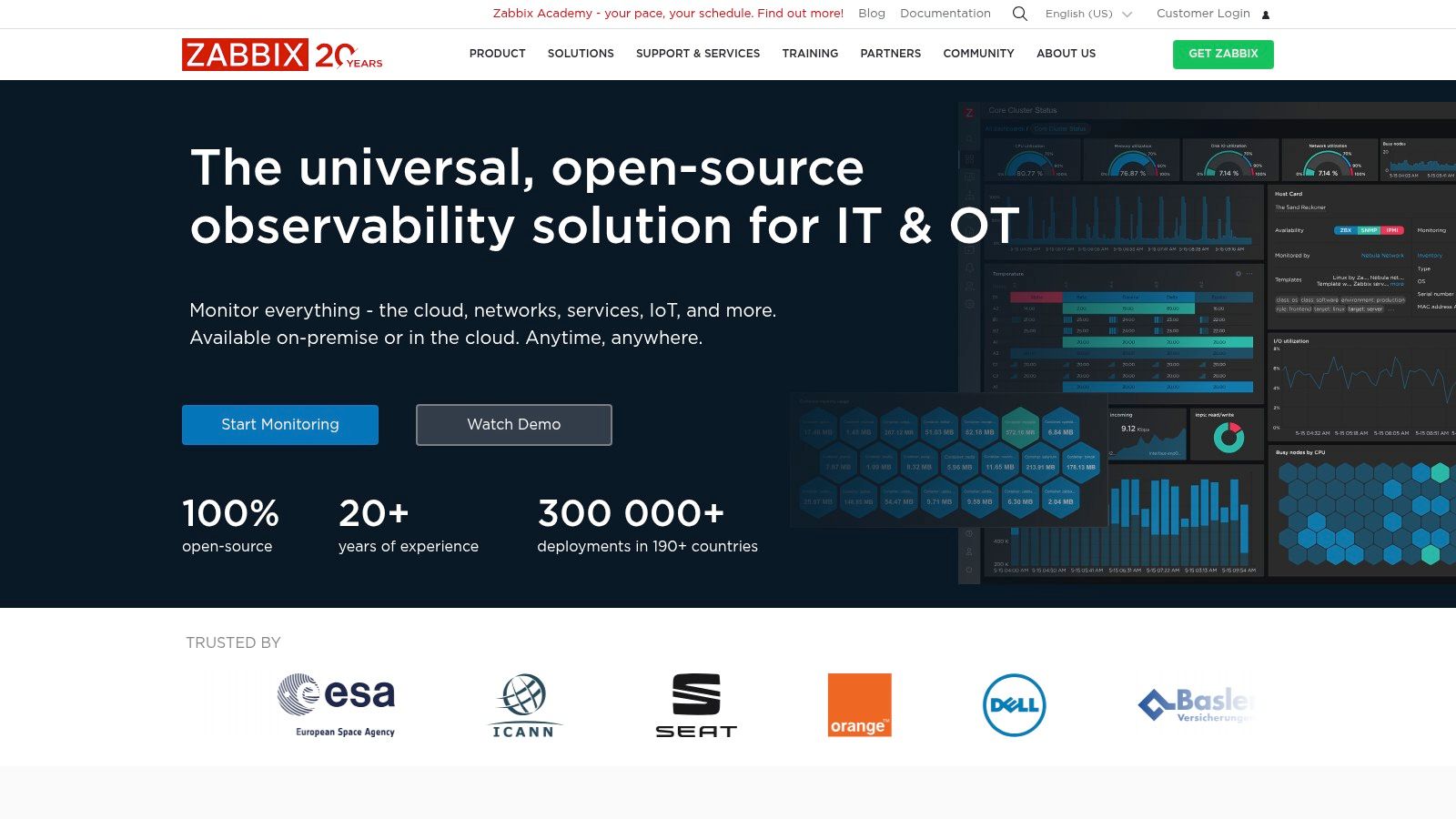
The primary trade-off for its powerful, no-cost model is the "do-it-yourself" approach required. Unlike commercial SaaS products, your team is responsible for deployment, configuration, and ongoing maintenance. This presents a steeper learning curve and requires dedicated administrative effort, especially in large environments. However, for teams with the technical expertise, Zabbix provides an enterprise-grade monitoring solution without the vendor lock-in or subscription fees. An active community and optional commercial support offer resources for those who need them.
Key Information
- Ideal Use Case: Tech-savvy teams and businesses on a budget who need a highly customizable, self-hosted monitoring solution and have the resources to manage it.
- Pros: Completely free and open-source with a large community; highly flexible and extensible; commercial support options are available.
- Cons: Requires significant DIY deployment and maintenance; has a steep learning curve for new users.
- Pricing: Free to download and use. Commercial support, training, and consulting services are available for a fee.
Visit the Zabbix website to learn more.
10. Nagios XI
Nagios XI is a powerful enterprise-grade monitoring solution built upon the proven, open-source Nagios Core engine. It stands out by offering a comprehensive GUI, configuration wizards, and advanced reporting capabilities that make the underlying technology more accessible to a wider range of users. This makes it one of the best network monitoring tools for organizations that value the flexibility of open-source but require the support and streamlined usability of a commercial product.
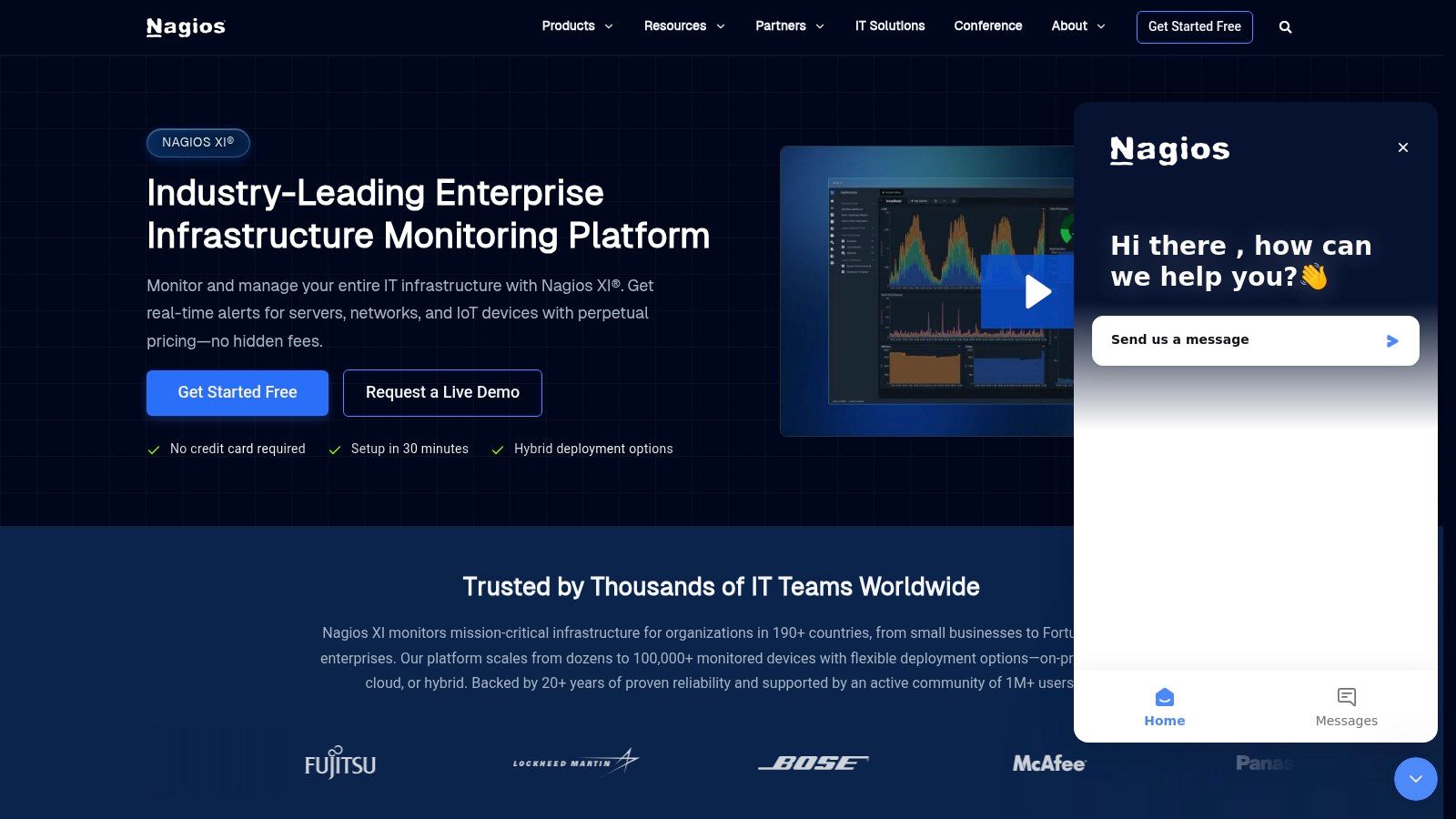
Its core strength lies in its vast extensibility. With thousands of community-developed plugins and an open API, Nagios XI can be tailored to monitor virtually any device or application. The platform's transparent, perpetual licensing model is a significant draw for businesses looking to avoid recurring subscription fees. While it requires more administrative effort to fine-tune at scale compared to some SaaS solutions, its powerful customization and strong community support offer unparalleled control for those willing to invest the time.
Key Information
- Ideal Use Case: Organizations needing a highly customizable on-premise monitoring tool with predictable, one-time licensing costs.
- Pros: Transparent perpetual licensing tiers; strong community and extensive plugin ecosystem; highly extensible.
- Cons: Requires significant admin effort to configure and fine-tune at scale; may need customization for advanced use cases.
- Pricing: Starts at $2,495 (perpetual license) for the Standard Edition (100 Nodes).
Visit the Nagios XI website to learn more.
11. AWS CloudWatch – Network Monitoring
For organizations whose infrastructure is heavily built on Amazon Web Services, AWS CloudWatch offers a native and deeply integrated network monitoring solution. It provides essential visibility into the network performance of AWS and hybrid workloads without the need for third-party agents on your AWS resources. This direct integration simplifies operations, offering a unified dashboard for monitoring metrics, logs, and alarms within the familiar AWS ecosystem, which is a key component for managing a reliable cloud backup strategy.
CloudWatch stands out by providing specialized tools like flow monitors to track packet loss between AWS resources, synthetic monitors for hybrid network paths, and internet monitors for external visibility. This makes it one of the best network monitoring tools for teams that want to consolidate their tooling and billing within AWS. Effective monitoring often involves tracking services like load balancing AWS for scalability and reliability. While it’s the default choice for AWS-centric environments, its value diminishes for organizations with a more diverse, multi-cloud infrastructure. Pricing can also be complex, as it varies significantly by region and the specific features used.
Key Information
- Ideal Use Case: Businesses primarily using AWS for their infrastructure who need native, integrated network performance monitoring.
- Pros: No third-party agents required for AWS workloads; unified billing and seamless integration with the AWS toolchain.
- Cons: Primarily benefits AWS-centric networks; pricing and features can vary by region and the specific feature set.
- Pricing: Follows a pay-as-you-go model. For example, Internet Monitor starts at $4.95 per monitor, per month.
Visit the AWS CloudWatch Network Monitoring website to learn more.
12. Microsoft Azure – Network Watcher
For organizations heavily invested in the Microsoft Azure ecosystem, Azure Network Watcher stands out as one of the best network monitoring tools due to its native integration. It's not a standalone platform but a built-in suite of services designed specifically to monitor, diagnose, and gain insights into your Azure IaaS network infrastructure. This tight integration allows for seamless diagnostics without needing to deploy third-party agents for core Azure services.
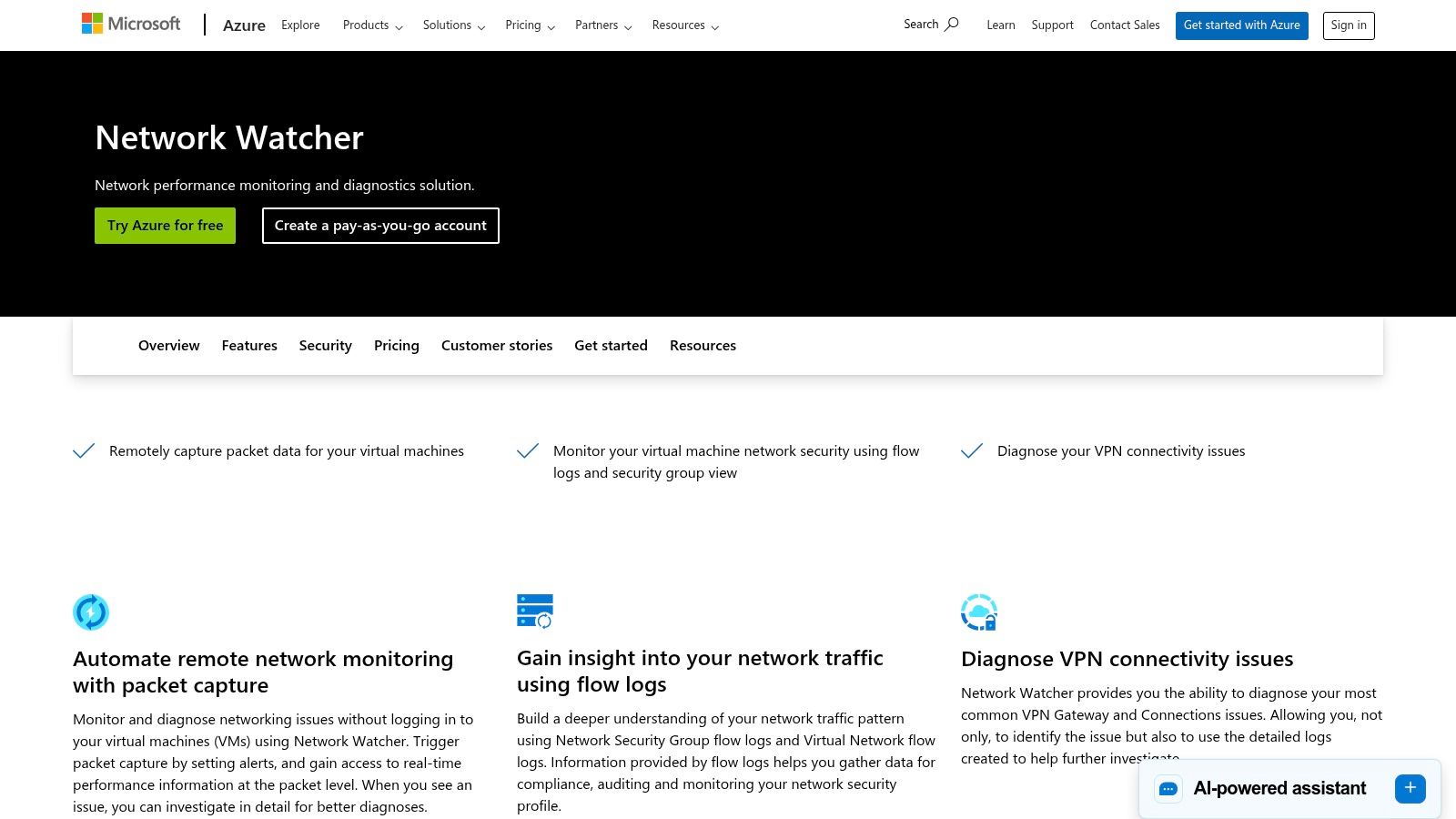
Its core strength is providing Azure-specific visibility. With tools like Connection Monitor, you can check connectivity between VMs and other endpoints, while its topology visualization maps out your entire virtual network. Packet capture can be initiated directly from the portal without logging into a VM, and NSG flow logs provide critical data for security analysis. While it’s the perfect choice for Azure-centric environments, its primary limitation is its lack of visibility into on-premises or multi-cloud resources, making it less suitable for hybrid networks compared to more comprehensive, vendor-agnostic solutions.
Key Information
- Ideal Use Case: Businesses running their infrastructure primarily or exclusively on Microsoft Azure who need native monitoring and diagnostic capabilities.
- Pros: Seamless native Azure integration; usage-based pricing with a generous free tier; powerful diagnostic tools like packet capture and flow logs.
- Cons: Primarily focused on Azure resources; offers limited visibility outside of the Azure cloud.
- Pricing: Pay-per-use model. For example, Connection Monitor tests start with a free monthly allocation, then are priced per test per month.
Visit the Microsoft Azure Network Watcher website to learn more.
Top 12 Network Monitoring Tools Comparison
| Product | Core features ✨ | Best for 👥 | Pricing & value 💰 | Strengths / Rating 🏆 ★ |
|---|---|---|---|---|
| Datadog – Network Monitoring | SNMP device health, path visualization, unified logs/metrics/traces ✨ | Hybrid/cloud-first networks, MSPs 👥 | Modular, usage-based; can grow costly 💰 | Strong dashboards & integrations 🏆 — ★★★★☆ |
| SolarWinds – Observability | SNMP/flow metrics, path insights, alerting (SaaS or self-hosted) ✨ | On‑prem enterprises, traditional networks 👥 | Node/device licensing; scale adds cost 💰 | Mature on‑prem tooling, trial available 🏆 — ★★★★☆ |
| Paessler PRTG | Sensor-based monitoring, auto-discovery, flows, dashboards ✨ | SMBs to large estates wanting transparent pricing 👥 | Tiered sensor pricing; predictable but needs planning 💰 | Clear licensing and docs 🏆 — ★★★★☆ |
| LogicMonitor | Agentless discovery, AIOps event intelligence, 3k+ integrations ✨ | Hybrid/multi‑cloud teams and enterprise ops 👥 | Tiered plans; can be pricey at scale 💰 | Strong hybrid visibility & AIops 🏆 — ★★★★☆ |
| ManageEngine OpManager | SNMP/WMI/CLI monitoring, topology maps, add‑ons (NCM, IPAM) ✨ | Distributed environments, budget‑conscious IT 👥 | Competitive entry pricing; SKU complexity 💰 | Good feature set for price — ★★★☆☆ |
| Auvik | Real‑time topology maps, NetFlow, config backup, multi‑tenant ✨ | MSPs and fast‑deploy IT teams 👥 | Quote-based per‑device pricing; can add up 💰 | Rapid deployment & intuitive UI 🏆 — ★★★★☆ |
| Cisco ThousandEyes | Global cloud agents, enterprise agents, BGP/Internet insights ✨ | Large enterprises needing Internet/SaaS path visibility 👥 | Enterprise pricing; sales engagement required 💰 | Best‑in‑class Internet path visibility 🏆 — ★★★★☆ |
| Progress WhatsUp Gold | Auto-discovery, maps, flow & wireless options, REST APIs ✨ | Windows‑centric shops and reseller channels 👥 | Quote/SKU based; channel pricing variability 💰 | Mature Wintel monitoring with training resources — ★★★☆☆ |
| Zabbix (Open Source) | Agent/SNMP monitoring, templates, event correlation, community ✨ | DIY teams and budgets wanting flexibility 👥 | Free OSS; paid support available 💰 | Highly flexible and extensible 🏆 — ★★★★☆ |
| Nagios XI | GUI, wizards, advanced reports, plugin ecosystem ✨ | Teams wanting extensibility and perpetual licensing 👥 | Transparent perpetual tiers; extra plugins may cost 💰 | Extensible with strong community — ★★★★☆ |
| AWS CloudWatch – Network Monitoring | Flow/synthetic/internet monitors, integrated alarms ✨ | AWS-centric workloads & hybrid AWS setups 👥 | Pay‑per‑use in AWS billing; region variations 💰 | Native AWS integration & unified billing 🏆 — ★★★★☆ |
| Microsoft Azure – Network Watcher | Connection Monitor, flow logs, packet capture, topology ✨ | Azure workloads needing native diagnostics 👥 | Usage‑based pricing with free allocations 💰 | Native Azure tooling; limited cross‑cloud visibility — ★★★☆☆ |
Making the Right Choice: How to Select and Implement Your Network Monitoring Tool
Navigating the landscape of the best network monitoring tools can feel overwhelming, but making an informed decision is the critical first step toward a more stable and efficient IT environment. Throughout this guide, we've explored a diverse range of solutions, from the comprehensive observability platforms of Datadog and SolarWinds to the user-friendly interfaces of Paessler PRTG and Auvik. We've seen how open-source giants like Zabbix offer unparalleled customization, while cloud-native tools like AWS CloudWatch and Azure Network Watcher provide seamless integration for cloud-centric businesses.
The key takeaway is that the ideal tool is not about having the most features; it's about having the right features that align with your specific operational needs, budget, and technical expertise.
How to Finalize Your Decision
Choosing from this list requires a strategic approach. Start by conducting a thorough self-assessment of your current infrastructure and future goals.
- Define Your Environment: Are you primarily on-premise, fully in the cloud, or managing a complex hybrid setup? A tool like LogicMonitor excels in hybrid environments, whereas WhatsUp Gold is a strong contender for traditional on-premise networks.
- Identify Critical Assets: Pinpoint the most vital components of your network. Is it application performance, WAN connectivity, or virtual machine health? Tools like Cisco ThousandEyes are specifically designed for deep visibility into external network paths, which is crucial for SaaS-dependent businesses.
- Evaluate Your Team's Skills: Be realistic about the resources you can dedicate to managing the tool. A solution like Nagios XI offers immense power but demands a higher level of technical skill to configure and maintain compared to the more automated Auvik.
- Consider Scalability and Future Growth: Select a tool that can grow with your business. For small businesses, something like ManageEngine OpManager offers a great entry point, but larger enterprises should look toward platforms built for massive scale, such as SolarWinds or Datadog.
Beyond Network-Specific Monitoring
As you narrow down your choices, remember that network performance is often intertwined with server, application, and cloud resource health. A holistic view is essential for true root cause analysis. To gain a broader perspective, it's beneficial to explore other leading solutions available in the market. Reviewing a comprehensive list of the top infrastructure monitoring tools can help you understand how network monitoring fits into a larger observability strategy, ensuring you select a solution that integrates well with your entire tech stack.
Ultimately, the best network monitoring tool is one that moves from being a reactive troubleshooting utility to a proactive, strategic asset. It should empower you to identify potential issues before they impact your users, optimize resource allocation, and make data-driven decisions that support your business objectives. This shift from reactive to proactive is the true measure of a successful implementation.
Keep your business running without IT headaches.
GT Computing provides fast, reliable support for both residential and business clients. Whether you need network setup, data recovery, or managed IT services, we help you stay secure and productive.
Contact us today for a free consultation.
Call 203-804-3053 or email Dave@gtcomputing.com