In a fast-paced professional environment, like a busy law firm or a high-tech dental practice, even a minor IT hiccup can derail productivity and compromise client trust. Slow networks, data security threats, and unreliable systems aren't just annoyances; they're business risks. You need immediate, actionable fixes that work.
This guide isn't about generic advice. It's a roundup of 10 essential strategies that serve as a powerful quick tech solution for the most common and critical challenges small to mid-size businesses face. Each point provides a professional-grade fix that can be implemented to stabilize your operations, secure your data, and create a reliable tech foundation.
We'll explore everything from immediate troubleshooting workarounds to security triage, giving you practical steps to take right now. You'll also get clear guidance on when it's time to call in a professional partner like GT Computing to handle it for you. Let's dive into the solutions that will keep your business running smoothly, without the IT drama.
1. Remote Desktop Support & Screen Sharing
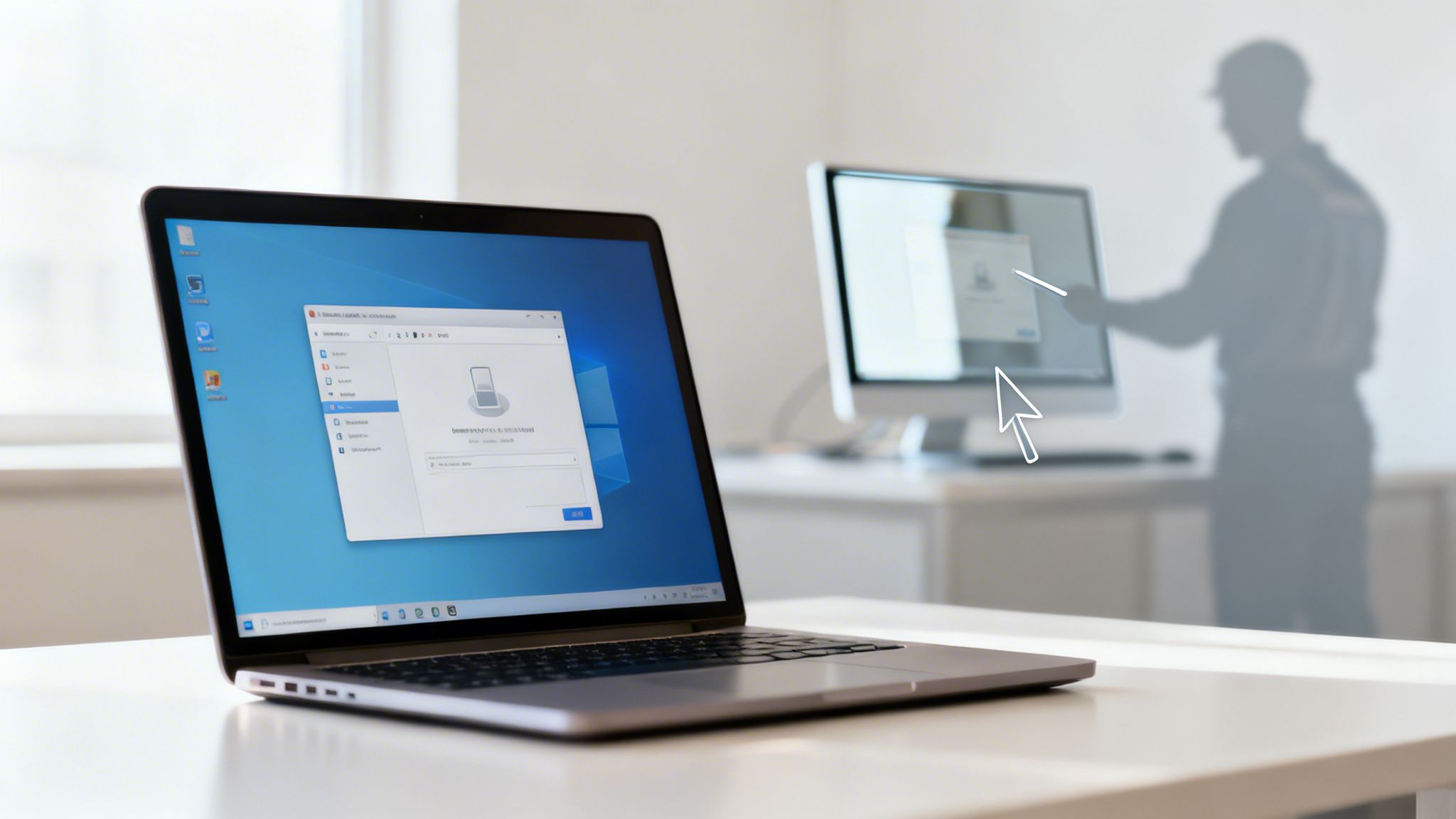
Remote Desktop Support provides a direct, secure line for an IT technician to view and control your computer from a different location. This method is a cornerstone of modern IT services, allowing for immediate diagnosis and resolution of software problems, configuration errors, and other system issues without requiring an on-site visit. It's a quick tech solution that drastically reduces downtime by enabling real-time, collaborative troubleshooting.
Why It's a Go-To Solution
A small law firm, for instance, can get immediate help with a malfunctioning case management software just before a court deadline. Similarly, a dental practice experiencing after-hours issues with its patient scheduling system can have a technician investigate and fix the problem remotely, ensuring the next day’s appointments are not disrupted. The core benefit is speed; problems that could take hours or days to address with a physical visit are often solved in minutes.
Best Practices for Secure Remote Access
To use this tool safely, establish clear guidelines for your team.
- Explicit Permission: Always require your staff to grant explicit permission before a remote session begins.
- Encrypted Tools: Use industry-standard, encrypted applications like ConnectWise Control or Microsoft Remote Desktop (RDP).
- Session Logging: Maintain detailed logs of all remote sessions for security audits and compliance records.
- Clear Policies: Define when remote access is appropriate and ensure staff understands what to expect during a session.
When to Call for Professional Help: While remote support is an effective quick tech solution, it's best managed by professionals. If you lack a secure, audited system for remote access, contact an IT provider. GT Computing can implement a secure remote support framework that protects your data while providing rapid assistance.
2. Cloud Backup & Disaster Recovery
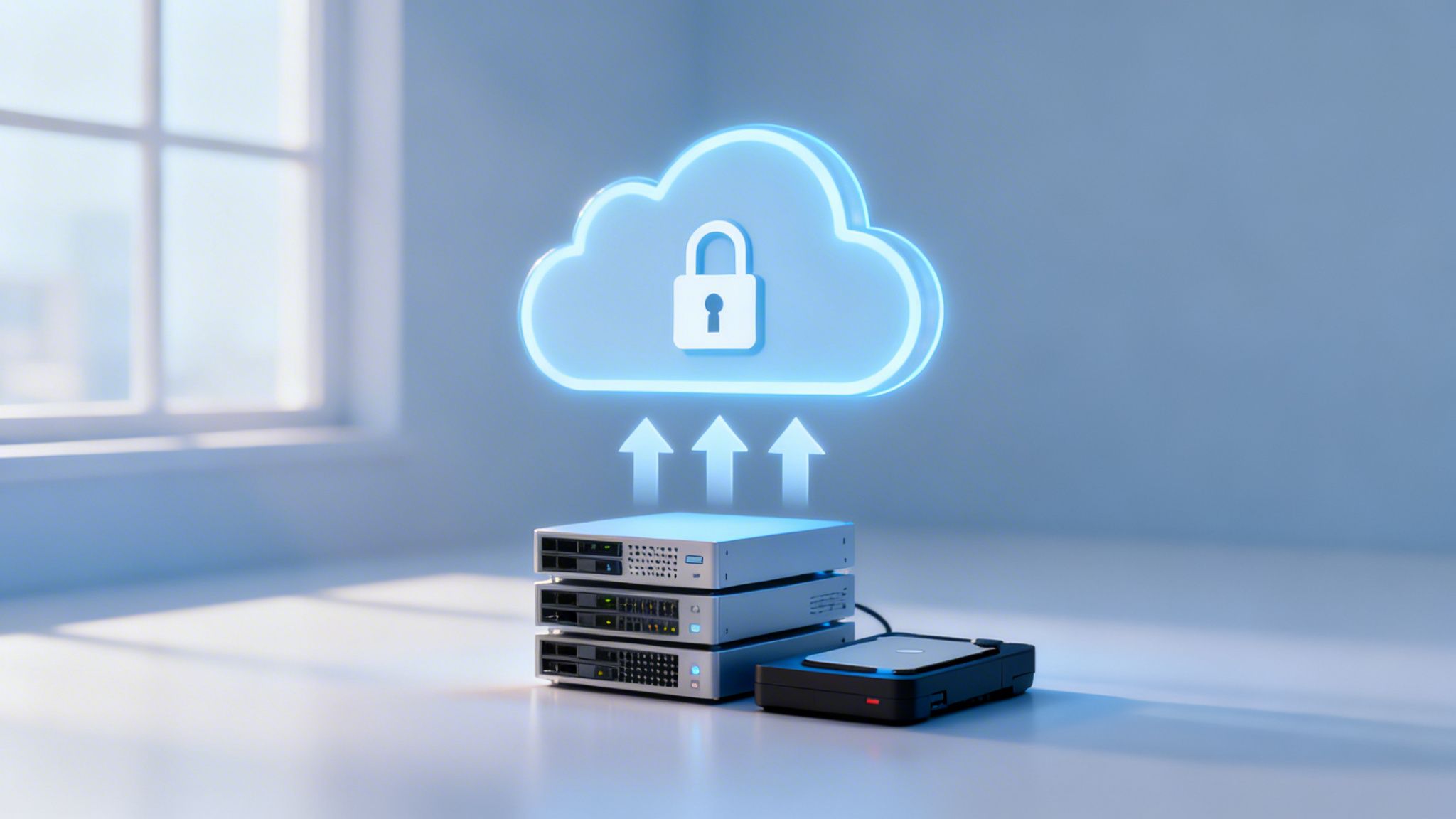
Automated cloud backup solutions create secure, off-site copies of your critical business data, enabling quick recovery from hardware failures, ransomware attacks, or other disasters. This method is fundamental for business continuity and meeting compliance requirements, particularly in regulated industries like healthcare and law. It serves as a vital quick tech solution by ensuring your operations can resume swiftly after an unexpected data loss event.
Why It's a Go-To Solution
Imagine a law firm hit by a ransomware attack; with a robust cloud backup, they can restore all client files within hours, not days, avoiding catastrophic legal and financial consequences. Likewise, a dental practice can quickly recover patient records after a server crash, preventing major disruptions to appointments and care. This immediate access to clean data is the key benefit, turning a potential business-ending disaster into a manageable incident. Ensuring business continuity is vital; consult this guide for an effective small business disaster recovery plan.
Best Practices for Secure Backups
To implement this tool effectively, follow established data protection standards.
- The 3-2-1 Rule: Maintain three copies of your data on two different media types, with at least one copy stored off-site in the cloud.
- Regular Testing: Test your data recovery procedures quarterly to confirm they work as expected, not just during an emergency.
- Immutable Snapshots: Use backup solutions like Veeam or Acronis that offer ransomware protection through immutable (unchangeable) snapshots.
- Smart Scheduling: Schedule automated backups to run during off-hours to minimize any impact on network performance.
When to Call for Professional Help: Defining your recovery objectives is a critical first step. If you are unsure how to set up and test a reliable backup system, contact a professional. GT Computing can help you implement a disaster recovery strategy with clear recovery time and point objectives (RTO/RPO) to protect your business.
3. Network Monitoring & Alerting Systems
Proactive network monitoring systems act as a 24/7 watchtower for your entire IT infrastructure. These tools continuously track network performance, device health, and potential security threats, sending instant alerts when they detect anomalies. This quick tech solution shifts IT management from reactive to proactive, preventing minor issues from escalating into major business disruptions and forming the foundation of effective managed IT services.
Why It's a Go-To Solution
Imagine a medical office where the server storing patient records is about to run out of disk space. A monitoring alert gives the IT provider a heads-up, allowing them to clear space before the system crashes and disrupts appointments. Similarly, a law firm’s system can identify and block a network intrusion attempt instantly, protecting sensitive client data. The key benefit is foresight; you fix problems before they impact operations, ensuring compliance and continuity.
Best Practices for Effective Monitoring
To get the most out of your monitoring system, configure it for your specific needs.
- Custom Alerts: Set alert thresholds based on your business's normal activity to avoid false alarms.
- Escalation Plans: Create clear procedures for who gets notified for critical alerts, especially after hours.
- Regular Reviews: Review and adjust alert configurations quarterly to reduce unnecessary noise and ensure relevance.
- Mobile Notifications: Integrate alerts with mobile apps to ensure key personnel are notified of urgent issues anytime, anywhere.
When to Call for Professional Help: Setting up and fine-tuning a network monitoring tool like a Cisco Meraki Dashboard or PRTG Network Monitor requires technical expertise. Without proper configuration, you may be flooded with false positives or miss critical warnings. GT Computing can implement and manage a monitoring system calibrated to your business needs, ensuring you only receive actionable alerts.
4. Unified WiFi Networks with Professional-Grade Equipment
A unified WiFi network uses enterprise-grade wireless access points (APs) to provide consistent, reliable coverage across an entire facility. Unlike consumer-grade extenders that create separate, clunky networks, a professional system like Ubiquiti UniFi or TP-Link Omada allows devices to roam seamlessly between APs. This quick tech solution eliminates dead zones and ensures stable connectivity for critical business operations, all managed from a single, centralized interface.

Why It's a Go-To Solution
Imagine a multi-room dental practice where staff need to access patient records on tablets in every treatment area, or a law firm relying on uninterrupted video conferencing in its main conference room. A unified network makes this possible. For immediate relief from common connectivity issues, understanding quick fixes to increase your office WiFi signal can be incredibly beneficial. However, for a permanent fix, professional-grade equipment provides the necessary reliability and security that consumer products lack.
Best Practices for Network Stability
To deploy a robust unified WiFi network, follow these guidelines.
- Conduct a Site Survey: Map out your facility to identify the optimal placement for each access point, ensuring complete coverage.
- Separate Network Traffic: Create separate SSIDs (network names) for staff and guests to secure internal data.
- Use PoE Switches: Power your access points through Ethernet cables with Power over Ethernet (PoE) switches, simplifying installation.
- Enable WPA3 Security: Implement the WPA3 security standard wherever possible for the strongest encryption.
When to Call for Professional Help: While a unified WiFi network is a powerful solution, improper setup can lead to security vulnerabilities and poor performance. If you're struggling with dead zones or dropped connections, contact an IT provider. GT Computing can design and install a professional-grade wireless network tailored to your business needs, and we can help you find the best wireless access points for business.
5. Managed Antivirus & Endpoint Security
Managed Antivirus & Endpoint Security provides a centralized, business-grade defense system against malware, ransomware, and other cyber threats. Unlike consumer antivirus software installed on individual machines, a managed solution allows an IT provider to deploy, monitor, update, and respond to threats across all company devices from a single console, ensuring consistent and enforceable protection. This approach serves as a quick tech solution by stopping security incidents before they cause significant business disruption.
Why It's a Go-To Solution
A law firm can use a managed solution to protect sensitive client documents from a ransomware attack that could otherwise paralyze its operations. For a dental practice, it helps maintain HIPAA compliance by securing patient data on all workstations and servers. If a device does get infected, the system can quickly isolate it and restore a clean baseline, minimizing data loss and downtime. The key benefit is proactive, uniform security that doesn't rely on individual employees to keep their software updated.
Best Practices for Secure Endpoint Management
To get the most from your security investment, implement these standards.
- Deploy Business-Class Tools: Use solutions like Bitdefender GravityZone or Microsoft Defender for Business, not consumer-grade antivirus.
- Enable Advanced Scanning: Activate real-time scanning and behavioral analysis to detect new and emerging threats.
- Train Staff: Educate your team on identifying phishing attempts and avoiding suspicious downloads.
- Maintain Logs: Keep detailed security and scan logs for compliance audits and incident investigations.
When to Call for Professional Help: Choosing and managing the best antivirus for your small business is complex. If your current protection is inconsistent or unmanaged, contact GT Computing. We can deploy and manage an endpoint security solution that defends every device in your organization.
6. Structured Cabling Infrastructure
Structured cabling is a professionally installed and organized system of cabling and associated hardware that provides a comprehensive telecommunications infrastructure. This method, using standards like Cat6A or Cat7, creates a reliable foundation for VoIP systems, network cameras, and high-speed data transfer. While often overlooked, a well-planned cabling system is a critical quick tech solution for preventing connectivity bottlenecks and ensuring consistent performance across all networked devices.
Why It's a Go-To Solution
A law firm can reliably install Power over Ethernet (PoE) security cameras and access points without worrying about signal drops. Similarly, a dental practice upgrading its operatories with multiple monitors, intraoral cameras, and digital imaging devices needs a robust cabling backbone to handle the increased data load without lag. Investing in structured cabling ensures the physical layer of your network is not the weak link in your technology stack, supporting future growth and new device integration.
Best Practices for Cabling Implementation
To build a dependable network foundation, follow these guidelines.
- Plan for Growth: Install 50-100% more capacity than you currently need to accommodate future expansion.
- Color-Code and Label: Use color-coded cables and clear labels on all outlets and patch panel ports for easy identification and troubleshooting.
- Centralize with Patch Panels: Install patch panels in a central, accessible location to simplify network management and changes.
- Test and Document: Thoroughly test every cable run after installation to confirm proper function and document the entire layout with diagrams.
When to Call for Professional Help: While the concept is simple, the execution of structured cabling requires expertise. If you're experiencing network instability or planning an office expansion, professional installation is crucial. GT Computing can design and install a structured cabling system that provides a reliable, high-performance foundation for your business operations.
7. VoIP Phone Systems with Auto-Attendant
Voice over IP (VoIP) phone systems replace traditional phone lines with internet-based calling, offering a flexible and professional communication platform. This quick tech solution gives small businesses enterprise-level features like auto-attendants for call routing, voicemail-to-email transcription, and mobile app integration, all while often reducing monthly costs. It allows your business to present a polished, organized front to clients, regardless of where your team is working.
Why It's a Go-To Solution
A small law firm can use an auto-attendant to direct clients to the correct attorney’s extension or mobile device, ensuring no billable call is missed. Likewise, a dental practice can automate appointment reminders and confirmations via the phone system, freeing up front-desk staff for in-person patient care. The main advantage is improved efficiency and a professional image; your phone system works for you, not the other way around.
Best Practices for VoIP Implementation
To ensure clear, reliable communication, proper setup is key.
- Sufficient Bandwidth: Allocate at least 2.5 Mbps of internet bandwidth per active phone line to prevent dropped calls and poor audio.
- Quality of Service (QoS): Configure your network router to prioritize voice traffic, which maintains call quality even when the network is busy.
- Redundant Connection: Set up a secondary internet connection (like a 5G/LTE backup) for business continuity if your primary line goes down.
- Compliance Recording: For medical or legal offices, configure call recording features to meet compliance and record-keeping requirements.
When to Call for Professional Help: While VoIP is a powerful quick tech solution, poor configuration can lead to frustrating call quality issues. If you're experiencing dropped calls, garbled audio, or need a reliable system for compliance, professional setup is essential. GT Computing can assess your network, recommend the right VoIP provider, and configure it for optimal performance and security.
8. Mobile Device Management (MDM)
Mobile Device Management (MDM) solutions give your business centralized control over the smartphones, tablets, and laptops your employees use for work. This framework allows you to enforce security policies, manage applications, and remotely wipe devices if they are lost or compromised. As a quick tech solution, MDM immediately reduces the risk associated with data access on personal and company-owned devices, securing sensitive information wherever it goes.
Why It's a Go-To Solution
A law firm can use MDM to ensure attorneys can access confidential client files on their tablets without risking a data breach. Likewise, a medical office can manage its devices to maintain HIPAA compliance while giving staff mobile access to patient records. The primary benefit is standardized security; it ensures every device accessing company data meets your security requirements, from password complexity to encryption, preventing a single weak link from creating a major vulnerability.
Best Practices for Secure Device Management
To implement MDM effectively, start with a clear strategy.
- Establish Clear Policies: Create a Bring Your Own Device (BYOD) and acceptable use policy, ideally reviewed by legal counsel.
- Balance Security and Privacy: Configure policies that protect company data without overreaching into an employee's personal information.
- Test Wipe Procedures: Before a real incident, test remote wipe capabilities in a controlled environment to ensure they work as expected.
- Audit Device Compliance: Regularly review reports from your MDM platform (like Microsoft Intune or Jamf Pro) to confirm all devices are compliant.
When to Call for Professional Help: Deploying MDM involves complex policy configuration and integration. If you are unsure how to balance security with user experience or need to meet compliance standards like HIPAA, it's time to contact an expert. GT Computing can design and implement an MDM strategy that protects your data and empowers your team.
9. Automated Patch Management & Software Updates
Automated patch management systems deploy security updates and software patches across all devices on a scheduled, centralized basis. This approach eliminates the tedious and error-prone task of manually updating each computer, ensuring that all systems remain consistently protected against newly discovered vulnerabilities. It serves as a proactive quick tech solution by preventing security breaches before they can impact your business.
Why It's a Go-To Solution
A medical office can use automated patching to maintain HIPAA compliance by ensuring all systems have the latest security updates, protecting sensitive patient data. Likewise, a law firm can defend against zero-day exploits that target common software, preventing ransomware attacks that could otherwise halt operations. The primary benefit is consistent security; automation closes vulnerabilities across the entire network simultaneously, far more efficiently than manual updates.
Best Practices for Secure Patching
To implement this process effectively, create a structured patching schedule.
- Phased Rollout: Deploy patches to a small group of non-critical systems first to identify potential issues before a full rollout.
- Off-Hours Scheduling: Schedule updates to run during evenings or weekends to minimize disruption to daily work.
- Test Critical Patches: Before deploying a major update to essential software, test it on a non-production machine to confirm stability.
- Maintain Logs: Keep detailed records of all deployed patches for compliance audits and troubleshooting.
- Rollback Plan: Always have a plan ready to uninstall a patch if it causes unexpected problems with your critical applications.
When to Call for Professional Help: Configuring and managing an automated patching system like Microsoft WSUS or ConnectWise Patch Manager requires technical expertise. If you are manually updating devices or lack a centralized system, contact an IT provider. GT Computing can design and manage a patch management strategy that keeps your business secure without interrupting your workflow.
10. Network Access Control (NAC) & Guest WiFi Isolation
Network Access Control (NAC) is a security approach that authenticates and authorizes devices before granting them access to your network. This process acts as a digital gatekeeper, preventing unauthorized or compromised devices from reaching sensitive internal systems. A key part of this strategy is guest WiFi isolation, which creates a separate, sandboxed network for visitors, ensuring your core business operations remain secure. This quick tech solution is crucial for protecting data integrity.
Why It's a Go-To Solution
A medical office can provide WiFi to patients in the waiting room without any risk of their devices connecting to the clinical network where patient records are stored. Likewise, a law firm can offer visiting attorneys internet access without exposing confidential client files. The core benefit is layered security; it allows you to offer a necessary amenity (guest WiFi) while actively defending your private network infrastructure from potential threats.
Best Practices for Secure Network Segmentation
To implement this safely, you must establish clear network rules.
- Create Separate VLANs: Use Virtual Local Area Networks (VLANs) to segment traffic for guests, employees, and insecure IoT devices like smart thermostats or cameras.
- Implement 802.1X Authentication: Require employee devices to authenticate with unique credentials before they can connect to the main company network.
- Limit Guest Bandwidth: Set speed and data limits on the guest network to prevent a single user from slowing down performance for everyone.
- Communicate Policies: Clearly inform staff and visitors about which network to use and why the separation is in place to reduce confusion and improve compliance.
When to Call for Professional Help: While modern routers offer basic guest network features, implementing a true NAC solution with VLANs and 802.1X requires technical expertise. If you are handling sensitive data, professional setup is non-negotiable. GT Computing can design and deploy a secure, segmented network that protects your business from unauthorized access.
Quick Tech Solutions: Top 10 Comparison
| Service | 🔄 Complexity | ⚡ Resources | ⭐ Effectiveness | 📊 Expected Outcomes | 💡 Ideal Use Cases / Key Advantages |
|---|---|---|---|---|---|
| Remote Desktop Support & Screen Sharing | Low–Medium — agent & policy setup | Low — internet + client apps, licenses | ⭐⭐⭐⭐ | Faster issue resolution; reduced travel costs | Remote troubleshooting, 24/7 support, training |
| Cloud Backup & Disaster Recovery | Medium — config, retention, testing | High — bandwidth, storage, subscriptions | ⭐⭐⭐⭐⭐ | Rapid data recovery; business continuity; compliance | Regulated industries, ransomware recovery, scalable backups |
| Network Monitoring & Alerting Systems | Medium–High — tuning & integrations | Moderate — monitoring servers/agents, storage | ⭐⭐⭐⭐ | Proactive fault detection; reduced downtime; capacity insight | Uptime-critical sites, SLA reporting, capacity planning |
| Unified WiFi (Professional-Grade) | Medium — site survey & AP placement | Moderate–High — APs, PoE switches, licensing | ⭐⭐⭐⭐ | Consistent coverage; reliable Wi‑Fi for many clients | Multi-room offices, video conferencing, guest access |
| Managed Antivirus & Endpoint Security | Low–Medium — deploy agents & policies | Moderate — console, licenses, update bandwidth | ⭐⭐⭐⭐ | Reduced infections; centralized threat reporting | Any org with sensitive data; compliance-driven environments |
| Structured Cabling Infrastructure | High — planning, install, building work | High — cables, labor, patch panels | ⭐⭐⭐⭐ | Stable high-speed network; easier maintenance; future-proof | New builds, major upgrades, high-density networks |
| VoIP Phone Systems with Auto‑Attendant | Medium — configuration & migration | Moderate — bandwidth planning, phones, licenses | ⭐⭐⭐⭐ | Lower calling costs; mobility; professional call routing | Offices needing call routing, remote workers, auto-attendant |
| Mobile Device Management (MDM) | Medium–High — policy design & enrollment | Moderate — per-device licenses, admin time | ⭐⭐⭐⭐ | Controlled mobile fleet; remote wipe; compliance reporting | BYOD programs, field staff, regulated sectors |
| Automated Patch Management & Updates | Medium — testing, phased rollout | Moderate — deployment tools, bandwidth | ⭐⭐⭐⭐ | Reduced vulnerability window; consistent patch levels | Security-focused orgs; reduce manual patch labor |
| Network Access Control & Guest WiFi Isolation | High — segmentation, auth, policy upkeep | Moderate–High — NAC appliances, admin effort | ⭐⭐⭐⭐ | Prevents unauthorized access; secure guest segmentation | BYOD-heavy environments, guest isolation, sensitive data protection |
Moving from Quick Fixes to a Long-Term Strategy
Throughout this guide, we've detailed ten powerful, quick tech solution examples that can immediately improve your business operations. From resolving minor glitches with remote support to securing your network with managed antivirus and access controls, each item represents a significant step toward a more stable and secure technology environment. The common thread is clear: proactive measures, even small ones, are vastly superior to reactive scrambling.
The true value of these solutions is realized when they move beyond being isolated fixes. Implementing a professional-grade WiFi network solves one problem, but integrating it with Network Access Control and a VoIP system creates a unified, secure communications backbone. Likewise, a cloud backup is a smart move, but combining it with automated patch management and endpoint security builds a multi-layered defense against data loss and cyber threats. A single quick tech solution can stop the bleeding, but a well-designed strategy prevents the injury in the first place.
The Shift from Reactive to Proactive
Mastering these concepts fundamentally changes your relationship with technology. Instead of viewing your IT as a source of unpredictable costs and frustrating downtime, you can transform it into a reliable asset that supports growth and client service. This shift from a reactive, break-fix mindset to a proactive, strategic approach is what separates struggling businesses from thriving ones.
Your key takeaways should be:
- Integration is Key: Standalone solutions are good, but integrated systems are exponentially better. A structured cabling plan supports a reliable network, which in turn ensures your VoIP and cloud services perform optimally.
- Proactive is Cheaper: The cost of implementing managed security or automated updates is a fraction of the cost of a data breach, reputational damage, or extended operational downtime.
- Expertise Matters: While the concepts are straightforward, the implementation is not. Proper configuration of a firewall, Mobile Device Management, or a disaster recovery plan requires specialized knowledge to be effective and secure.
Ultimately, your goal is to build an IT foundation so solid that you rarely have to think about it. It should just work, allowing you and your team to focus on serving clients and growing your business. An occasional quick tech solution will always be necessary, but it should be the exception, not the rule. By investing in a professionally managed, cohesive technology strategy, you aren't just buying hardware or software; you are buying peace of mind and a competitive advantage.
Keep your business running without IT headaches.
GT Computing provides fast, reliable support for both residential and business clients. Whether you need network setup, data recovery, or managed IT services, we help you stay secure and productive.
Contact us today for a free consultation.
Call 203-804-3053 or email Dave@gtcomputing.com.