In today's workplace, employees use a mix of company-owned and personal devices to access critical business data. From law firms handling sensitive client files to dental practices managing patient records, protecting this information is non-negotiable. But how can you enforce security policies, deploy applications, and manage updates across dozens of smartphones, tablets, and laptops without a dedicated IT army? This is where Mobile Device Management (MDM) comes in. An MDM solution provides a centralized platform to control, secure, and monitor every endpoint accessing your network, a crucial component of modern business operations.
Choosing the right platform is critical for maintaining productivity, ensuring compliance (like HIPAA), and defending against cyber threats. A complete device lifecycle strategy also involves planning for hardware retirement. As part of a comprehensive mobile security strategy, businesses must also consider the secure and compliant corporate phone disposal to mitigate data security risks associated with retired devices. This guide breaks down the best mobile device management solutions available today, helping you find the perfect fit for your small or mid-sized business needs.
We will provide a detailed analysis of each platform, complete with screenshots and direct links, to streamline your evaluation process. We'll explore top options like Microsoft Intune, Jamf, Kandji, and others, comparing their core features, pricing structures, and ideal use cases. You will gain a clear understanding of which solution best aligns with your specific operational requirements, whether you manage a fleet of Apple devices, a mix of Android and Windows machines, or need to support a bring-your-own-device (BYOD) policy. This resource is designed to cut through the marketing noise and give you the practical insights needed to make an informed decision.
1. Microsoft Intune (Microsoft)
Microsoft Intune is a cloud-based unified endpoint management (UEM) service that excels for organizations already invested in the Microsoft 365 ecosystem. Its core strength lies in its deep integration with Microsoft Entra ID (formerly Azure Active Directory) and other security tools, making it one of the best mobile device management solutions for enforcing security policies across a wide range of devices, including Windows, macOS, iOS/iPadOS, and Android. This tight integration enables powerful Conditional Access policies, which can restrict access to company data based on device compliance, user location, and risk level.
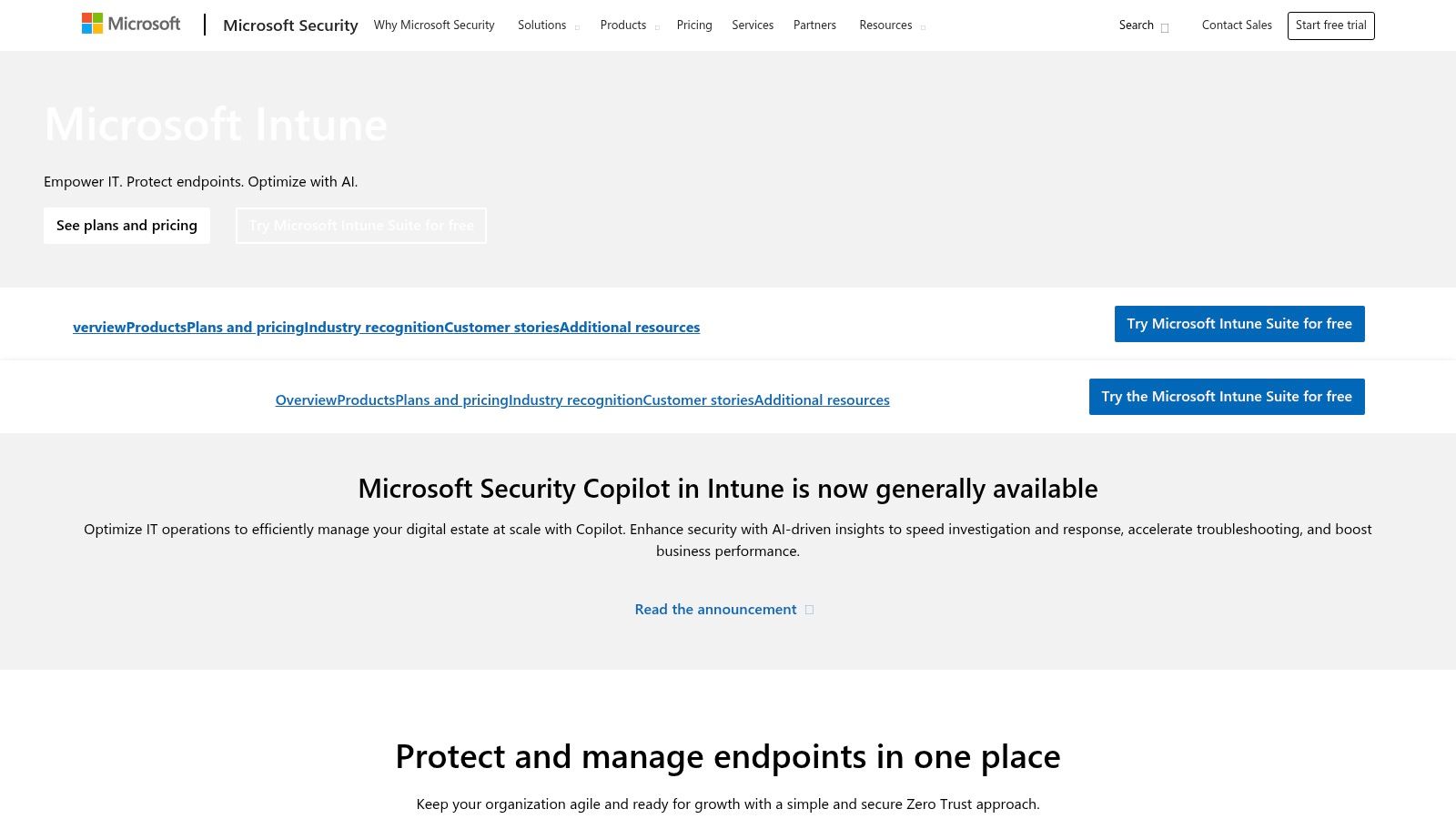
For a small dental practice or a law firm using Microsoft 365, Intune provides a unified console to manage both corporate-owned and personal (BYOD) devices. It allows administrators to deploy applications, configure device settings, and remotely wipe sensitive data if a device is lost or stolen. This capability is critical for maintaining HIPAA or other regulatory compliance, especially when staff members need to secure remote access to patient or client files.
Pricing and Licensing
Intune's licensing can be complex but offers flexibility. It is included in many Microsoft 365 subscriptions, such as Business Premium, E3, and E5, making it a cost-effective choice for existing customers. Standalone plans are also available. However, more advanced capabilities like Endpoint Privilege Management or Remote Help are part of the paid Intune Suite add-on, which can increase the overall cost.
Key Considerations
- Pros: Excellent security integration with Microsoft 365 and Entra ID; broad cross-platform support; extensive policy control for compliance.
- Cons: Licensing model can be confusing; the most powerful features often require purchasing the Intune Suite add-on.
Website: https://www.microsoft.com/security/business/microsoft-intune
2. Jamf
For businesses built on Apple hardware, Jamf is widely considered one of the best mobile device management solutions available. It is an Apple-first platform designed to provide deep, granular control over macOS, iOS, iPadOS, and tvOS devices. Jamf’s core strength is its seamless integration with Apple Business Manager (ABM) and Apple School Manager (ASM), enabling true zero-touch deployment. New devices can be shipped directly to employees and automatically enrolled and configured upon their first power-on, a massive time-saver for IT staff.
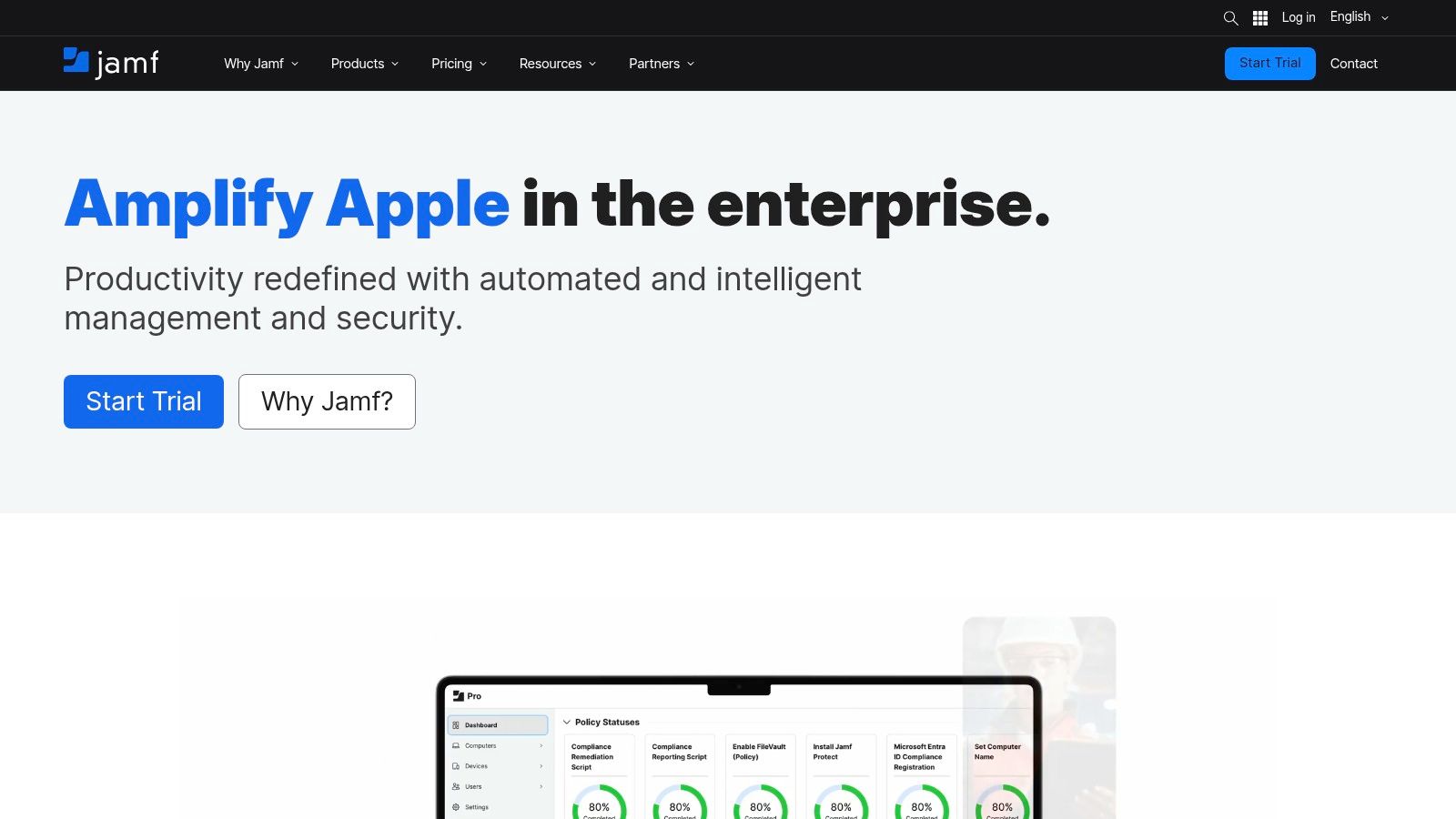
A marketing agency or a design firm that exclusively uses MacBooks and iPhones would find Jamf indispensable. Administrators can use "Smart Groups" to automatically deploy specific applications or enforce policies based on user department or device type. For example, the design team’s MacBooks could automatically receive Adobe Creative Cloud, while the sales team’s iPhones get the latest CRM app. Its robust security features, like Jamf Protect, provide endpoint security and malware prevention tailored for macOS, which is a critical part of a layered defense. Learning about other cyber security tips for small business can further enhance this protection.
Pricing and Licensing
Jamf offers several product tiers, including Jamf Now for very small businesses and Jamf Pro for larger organizations needing more control. While Jamf Now has public pricing, Jamf Pro and its security add-ons typically require a custom quote from their sales team. The pricing is generally per-device, and premium onboarding and support packages are available for an additional cost.
Key Considerations
- Pros: Unparalleled management depth for Apple devices; powerful zero-touch deployment and automation workflows; strong security and identity add-ons.
- Cons: Primarily focused on the Apple ecosystem, with more limited support for other platforms; pricing for advanced features requires a sales consultation.
Website: https://www.jamf.com
3. Kandji
For organizations built exclusively on Apple hardware, Kandji offers one of the best mobile device management solutions by focusing entirely on the Apple ecosystem. Its core strength is automation, streamlining everything from initial device setup and application deployment to ongoing OS patching and security enforcement. This specialized approach allows for a much cleaner and more intuitive administrative experience compared to broader, cross-platform tools. Kandji provides deep, native control over macOS, iOS/iPadOS, and tvOS devices, ensuring they remain secure and compliant with minimal manual intervention.
A design firm or a modern healthcare practice using only Macs, iPhones, and iPads would find Kandji's platform highly efficient. The system uses "Blueprints" to define configurations for different user groups, automatically deploying necessary apps and enforcing security settings like FileVault encryption and password policies. Its one-click compliance templates for standards like CIS and SOC 2 simplify the process of meeting regulatory requirements, a crucial feature for businesses handling sensitive client or patient data.
Pricing and Licensing
Kandji’s pricing is quote-based and not publicly listed on their website. They offer a custom pricing model based on the number and type of devices being managed. Potential customers are encouraged to contact their sales team for a personalized quote. A 14-day free trial is available, allowing businesses to fully evaluate the platform’s capabilities and user experience before committing. Additionally, they offer free, guided onboarding to help new customers migrate from other MDM solutions.
Key Considerations
- Pros: Highly streamlined and intuitive admin experience for Apple-only environments; powerful automation for patching and security; free trial and guided onboarding.
- Cons: Exclusively for Apple devices, making it unsuitable for mixed-OS fleets; pricing is not transparent and requires a custom quote.
Website: https://www.kandji.io
4. Omnissa Workspace ONE UEM (formerly VMware AirWatch/Workspace ONE)
Omnissa Workspace ONE UEM, a platform with a long-standing reputation formerly known as VMware AirWatch, is a mature and powerful unified endpoint management solution. It stands out for its deep cross-platform capabilities, supporting macOS, Windows, iOS, and Android with robust policies. Its strength lies in providing a single console to manage the entire device lifecycle, from zero-touch onboarding for new employees to secure retirement. This makes it one of the best mobile device management solutions for organizations that need granular control over a diverse fleet of devices.
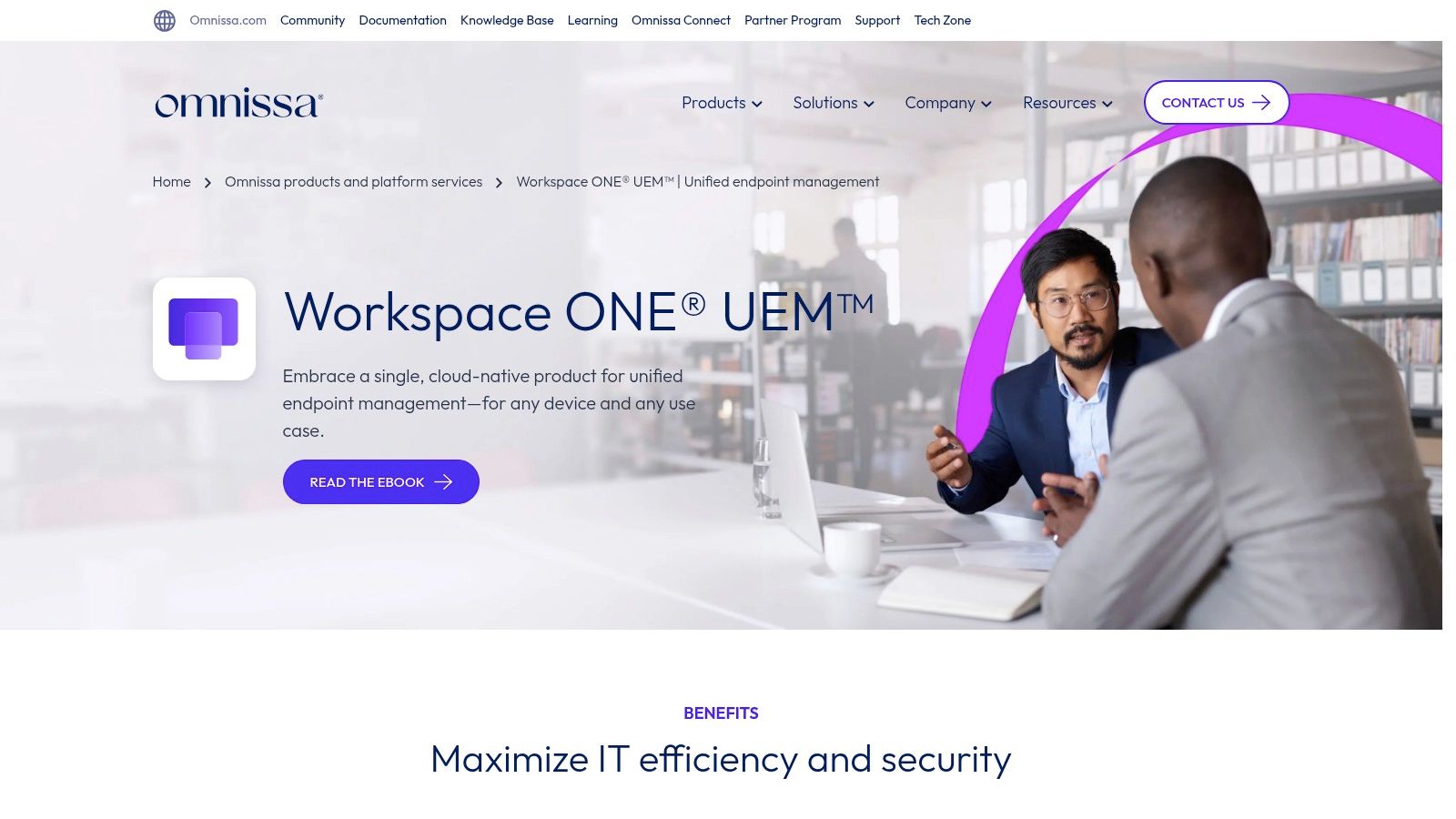
For a growing dental group or a multi-office law firm, Workspace ONE UEM can streamline IT operations significantly. Its automation engine, Freestyle Orchestrator, allows administrators to create complex workflows for app deployment and device configuration without manual intervention. Furthermore, its role-based access controls (RBAC) ensure that IT staff only have the permissions necessary for their jobs, while remote support features allow for quick troubleshooting of employee devices, minimizing downtime and maintaining productivity.
Pricing and Licensing
Omnissa offers transparent, tiered pricing for Workspace ONE UEM, with published per-device and per-user subscription costs for its various editions, such as Mobile Essentials and Enterprise tiers. This clarity helps businesses predict costs more effectively than some competitors. However, achieving the full suite of capabilities, including advanced automation and remote support (Assist), often requires higher-tier licenses or add-ons, which can increase the total investment.
Key Considerations
- Pros: Transparent edition-based pricing; strong multi-OS management capabilities; mature and feature-rich platform with a proven enterprise track record.
- Cons: Advanced features and add-ons can increase overall cost and complexity; the best experience is often delivered through Omnissa or its channel partners.
Website: https://www.omnissa.com/products/workspace-one-unified-endpoint-management/
5. ManageEngine Mobile Device Manager Plus
ManageEngine Mobile Device Manager Plus offers one of the most flexible and budget-friendly entry points into mobile device management. It stands out by providing both cloud and on-premises deployment options, catering to businesses with specific data residency or control requirements. Its comprehensive support spans iOS, Android, Windows, macOS, and ChromeOS, making it a versatile choice for organizations with diverse device fleets. The platform is particularly appealing to SMBs, offering a free edition for up to 25 devices, which is perfect for a small dental office or law firm just starting to formalize its device policies.
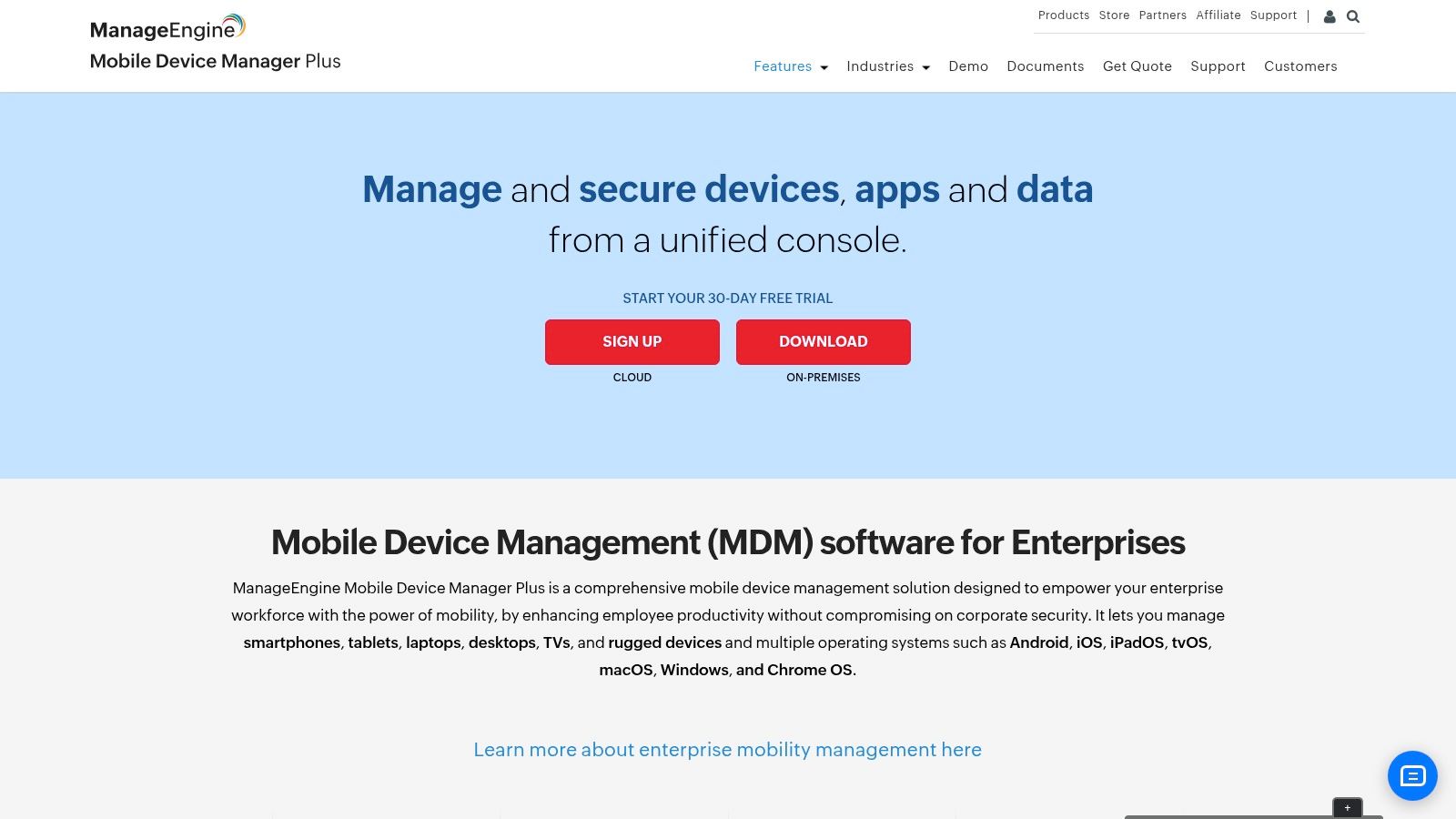
This solution excels at core MDM functions like app distribution, profile configuration, and asset management. Administrators can easily track device details, enforce compliance policies, and generate reports, which are crucial components of IT asset management best practices. For businesses handling sensitive information, ManageEngine allows for containerization on BYOD devices, separating corporate data from personal data to enhance security without infringing on employee privacy. Its feature set makes it one of the best mobile device management solutions for organizations seeking robust control without a high initial investment.
Pricing and Licensing
ManageEngine's pricing is transparent and highly competitive, with a free edition that supports up to 25 devices. Paid plans (Standard, Professional, and UEM) are available in both cloud and on-premise versions, with pricing based on the number of devices or users. The Professional edition, a popular choice, includes app management and security features suitable for most SMBs. A 30-day free trial is available for all editions, allowing for thorough evaluation.
Key Considerations
- Pros: Generous free tier for small businesses; flexible cloud or on-premises deployment; straightforward, budget-friendly pricing.
- Cons: The user interface can feel dense for new users; some advanced security and management features are reserved for higher-priced editions.
Website: https://www.manageengine.com/mobile-device-management/
6. Hexnode UEM
Hexnode UEM stands out with its transparent, competitive per-device pricing, making it an attractive choice for small and mid-sized businesses that need predictable costs. It provides a comprehensive unified endpoint management (UEM) platform that supports a wide array of operating systems, including iOS, Android, Windows, macOS, and even tvOS. Its strength lies in its straightforward feature tiers and powerful controls for specialized use cases, positioning it as one of the best mobile device management solutions for companies managing diverse device fleets.
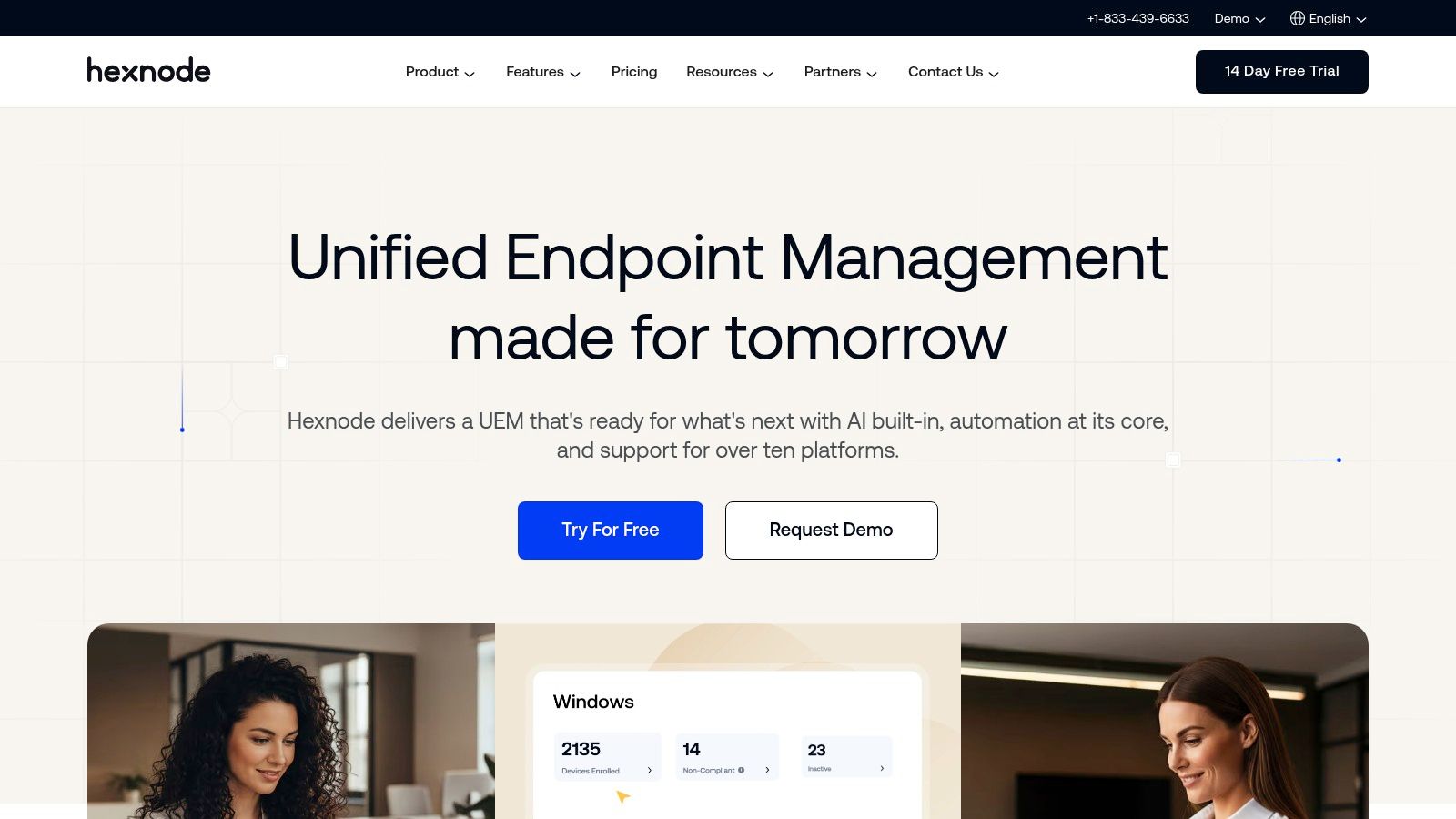
For a logistics company or retail store, Hexnode’s robust kiosk mode is invaluable, allowing them to lock down tablets or smartphones into single-app or multi-app modes for specific tasks like point-of-sale or inventory management. Hexnode also offers strong support for enrollment programs like Apple Business Manager and Android Enterprise, simplifying the deployment of corporate-owned devices. For MSPs, the platform provides dedicated multi-tenant management options, which streamlines client administration.
Pricing and Licensing
Hexnode’s pricing is one of its key differentiators, with clearly defined tiers (Pro, Enterprise, Ultimate) billed on a per-device, per-month basis. This transparency helps SMBs budget effectively without the licensing complexity found in other platforms. Core MDM features are available in lower tiers, while advanced capabilities like remote control, application management for desktops, and advanced automation scripting are reserved for the higher-priced plans. A 14-day free trial is available to test the platform.
Key Considerations
- Pros: Transparent and competitive per-device pricing ideal for SMBs; excellent kiosk mode and strong controls for iOS and Android; good support for MSPs.
- Cons: Advanced desktop management features for Windows and macOS may require more expensive tiers; some powerful automation tools are gated behind the highest plans.
Website: https://www.hexnode.com
7. Scalefusion UEM
Scalefusion UEM stands out for its straightforward, per-device pricing and robust feature set, making it an excellent choice for small to mid-sized businesses that need clarity for budgeting. Its platform supports a wide array of operating systems, including Android, iOS/iPadOS, Windows, and macOS, providing a unified console for diverse device environments. Scalefusion excels in specialized use cases like kiosk mode, where devices are locked down to a single app or a specific set of functions, which is ideal for patient check-in stations in a dental office or client-facing tablets in a law firm.
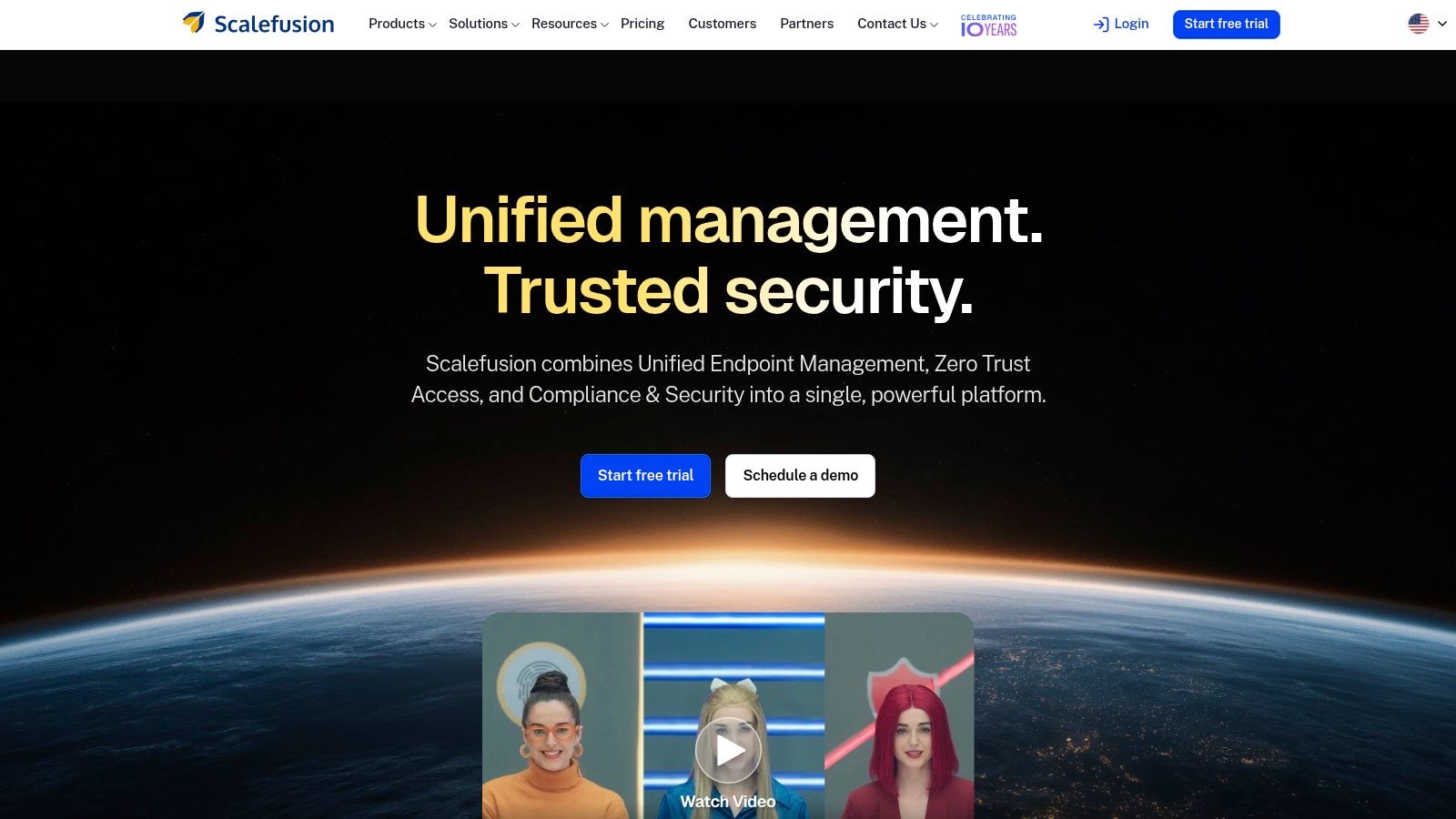
The platform simplifies deployment with zero-touch enrollment for both Android and Apple devices, allowing IT to ship pre-configured hardware directly to employees. For ongoing management, its unattended remote support and OS patch management capabilities are critical for maintaining device security and resolving issues without physical access. This combination of simple pricing and powerful remote tools makes Scalefusion one of the best mobile device management solutions for organizations prioritizing operational efficiency and transparent costs.
Pricing and Licensing
Scalefusion offers clear, tiered pricing plans (Essential, Growth, Business, and Enterprise) billed annually on a per-device, per-month basis. This transparent model helps businesses predict expenses without navigating complex licensing bundles. However, potential customers should note the annual billing requirement and potential minimum device counts. More advanced security and identity management features are reserved for the higher-tier Business and Enterprise plans.
Key Considerations
- Pros: Very clear pricing and feature breakdowns ideal for SMB budgeting; strong remote troubleshooting and support features; excellent kiosk mode capabilities.
- Cons: Billing is annual only with potential device minimums; some advanced security features require higher-priced tiers.
Website: https://scalefusion.com
8. SOTI MobiControl
SOTI MobiControl is a robust unified endpoint management (UEM) solution designed for businesses with complex and diverse device fleets, particularly those including rugged hardware. It stands out for its deep control over a wide range of operating systems, including Android, iOS, Windows, and macOS, with specialized features for devices used in logistics, retail, and field service environments. Its ability to manage both consumer-grade smartphones and specialized, ruggedized scanners or tablets makes it one of the best mobile device management solutions for physically demanding industries.
For a logistics company managing a fleet of delivery drivers or a retail business using specialized point-of-sale devices, MobiControl provides essential tools like remote control for troubleshooting and geofencing to enforce location-based policies. The platform’s deep integrations with original equipment manufacturers (OEMs) like Samsung offer advanced management capabilities not found in all MDM solutions. It can be deployed either in the cloud or on-premises, offering flexibility for organizations with specific infrastructure or security requirements.
Pricing and Licensing
SOTI MobiControl is primarily sold through a channel of partners and resellers, so direct vendor pricing is not publicly available. This model means that costs can vary based on the partner, the number of devices, and the length of the contract term. It is available as a standalone product or as part of the broader SOTI ONE Platform, which bundles additional services for analytics and app development. Most buyers will engage with a reseller to get a customized quote.
Key Considerations
- Pros: Excellent support for rugged and specialized devices; strong features for logistics, retail, and field work; flexible cloud or on-premises deployment options.
- Cons: Pricing is opaque and requires engaging with channel partners; quotes and support quality can vary between resellers.
Website: https://soti.net/products/soti-mobicontrol/
9. Google Endpoint Management (Google Workspace)
For organizations deeply integrated into the Google Workspace ecosystem, Google Endpoint Management offers a native and cost-effective solution for core device security. Its main advantage is its seamless integration within the Google Admin console, providing a single pane of glass for managing users, data, and devices. This makes it one of the best mobile device management solutions for businesses that prioritize simplicity and already rely on Google for email, documents, and collaboration. It allows for essential controls like enforcing screen locks, creating Android work profiles to separate business and personal data, and remotely wiping devices.
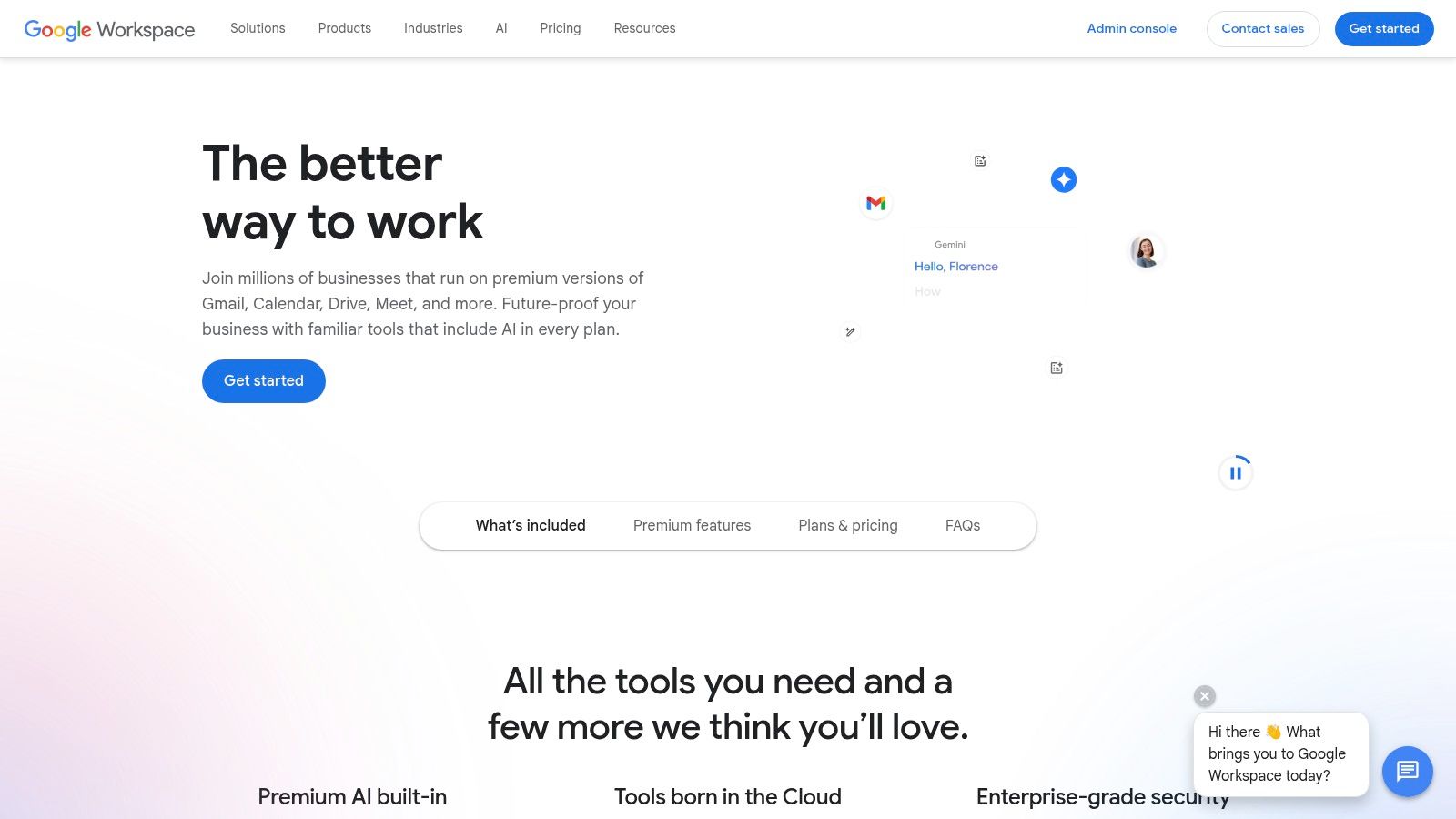
A marketing agency or tech startup using Google Workspace can easily enroll employee devices (Android, iOS, Windows) and push necessary apps from the managed Google Play Store. The platform simplifies BYOD management by ensuring that company data remains secure within a designated work profile on personal Android devices, preventing data leakage without intruding on the employee's personal space. This is a practical approach for companies that need foundational security and app management without the complexity of a standalone UEM platform.
Pricing and Licensing
Google Endpoint Management's features are bundled directly into Google Workspace subscriptions. Basic management is available in all tiers, including Business Starter and Standard. However, more advanced capabilities, such as advanced mobile management, security rules for mobile devices, and context-aware access, are only unlocked with higher-tier plans like Business Plus, Enterprise, or Education Standard/Plus. This tiered model makes it accessible but requires an upgrade for more granular control.
Key Considerations
- Pros: Excellent value and seamless integration for existing Google Workspace customers; straightforward setup and policy administration for core MDM needs.
- Cons: Lacks the deep, granular control of specialized UEM solutions; advanced security features require more expensive Workspace subscriptions.
Website: https://workspace.google.com
10. Apple Business Essentials
For small businesses deeply embedded in the Apple ecosystem, Apple Business Essentials offers a streamlined and simplified approach to device management. It combines device management, 24/7 support, and iCloud storage into a single subscription, making it one of the best mobile device management solutions for teams that exclusively use iPhones, iPads, and Macs. Its primary strength is its simplicity and native integration, allowing business owners to easily configure settings and apps for employees without needing extensive IT knowledge.
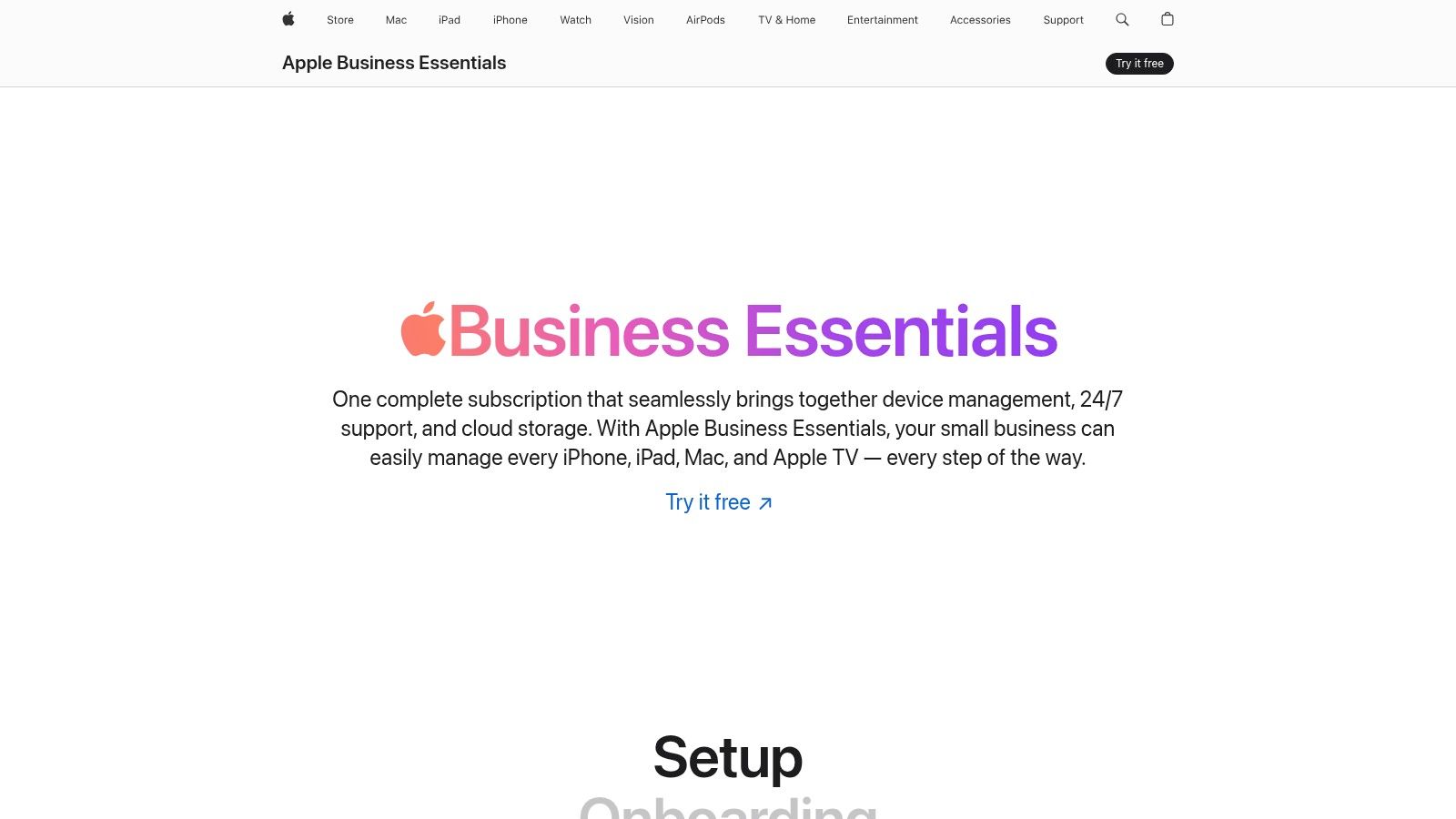
A small dental office or a design agency using only Apple hardware can leverage "Collections" to automatically push necessary apps and settings like Wi-Fi passwords to new devices. The platform also manages OS updates and enforces security settings like FileVault and activation lock. Plans can also include AppleCare+ for Business Essentials, which provides onsite repairs and dedicated support, a significant benefit for businesses that cannot afford downtime. This all-in-one approach simplifies the entire device lifecycle from procurement to management.
Pricing and Licensing
Apple Business Essentials offers clear, transparent pricing based on the number of users or devices and the desired level of support and storage. Plans are available on a per-user or per-device basis, providing flexibility for different business models. The inclusion of iCloud storage and the option to bundle AppleCare+ for service and repairs make it a predictable and straightforward expense. However, the service is currently available only in the United States.
Key Considerations
- Pros: Extremely simple, Apple-native solution perfect for small teams; transparent pricing bundles management, storage, and support; automated setup is ideal for non-technical users.
- Cons: Limited to Apple devices only, with no support for Android or Windows; service is currently restricted to the United States.
Website: https://www.apple.com/business/essentials/
11. JumpCloud
JumpCloud offers a unique approach by combining its core directory platform with robust cross-platform device management. This makes it one of the best mobile device management solutions for businesses seeking to unify identity, access, and endpoint management under a single pane of glass. It goes beyond traditional MDM by integrating Single Sign-On (SSO), Multi-Factor Authentication (MFA), and patch management, allowing IT to enforce security policies that tie user identity directly to device health.
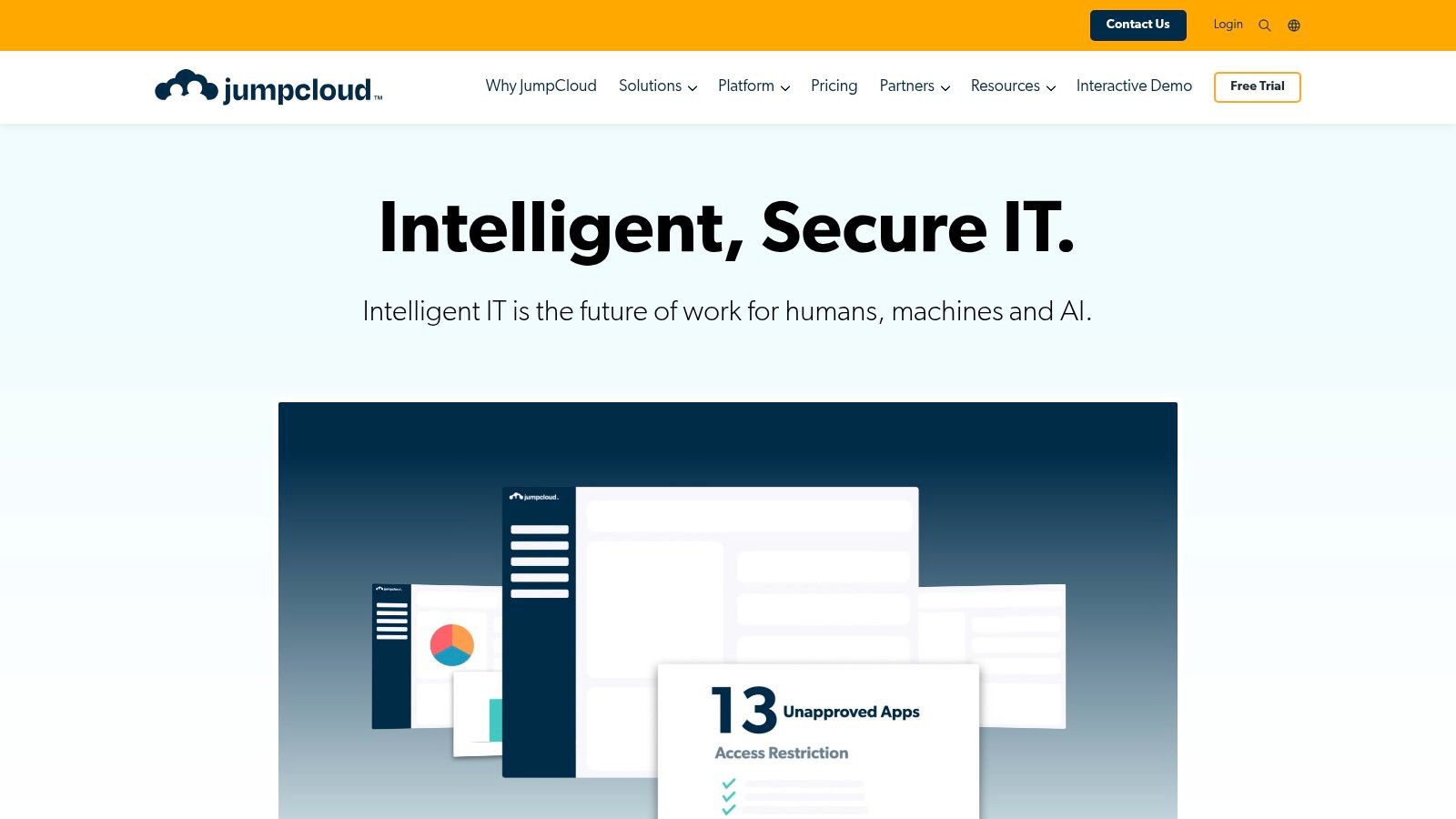
For a growing tech startup or a marketing agency with a mix of macOS, Windows, and even Linux devices, JumpCloud provides a centralized way to manage user access and secure every endpoint. An administrator can enforce full disk encryption, deploy software, and apply patches from one console, regardless of the operating system. This unified model simplifies IT operations, especially for organizations that don't have a traditional Active Directory environment but still need granular control over their devices and user permissions.
Pricing and Licensing
JumpCloud’s pricing is transparent and modular, often billed on a per-user basis. Device Management is an add-on to its core Directory-as-a-Service platform. While this offers flexibility to build a custom solution, the per-user model can become more expensive than per-device pricing for businesses where one user has multiple devices. The platform offers a free plan for up to 10 users and 10 devices, along with a 30-day trial for premium features.
Key Considerations
- Pros: Consolidates identity and device management into a single platform; broad OS support including Linux; transparent and modular pricing model.
- Cons: Per-user pricing can be costly for multi-device environments; core device management features are part of a paid add-on.
Website: https://jumpcloud.com
12. Capterra – Mobile Device Management Software Category
While not a standalone MDM product, Capterra’s Mobile Device Management Software category is an invaluable resource for shortlisting potential solutions. It functions as a comprehensive directory, allowing organizations to compare a wide array of the best mobile device management solutions based on verified user reviews, core features, and deployment types. Its powerful filtering system lets you narrow down options by operating system support (iOS, Android, etc.), business size, and specific features like application management or remote access control.
For a growing dental practice or law firm that isn't sure where to start, Capterra provides an excellent market overview. You can quickly see which tools are popular among similarly sized businesses, read about real-world user experiences, and get a general sense of pricing. This initial research helps frame expectations and creates a well-informed list of vendors to evaluate further, saving significant time in the initial discovery phase.
Pricing and Licensing
Capterra is a free resource for buyers. It often provides entry-level pricing information or indicates if a free trial is available for the listed software. However, these figures are general estimates. For precise quotes tailored to your specific device count and required features, you must contact the vendors directly through the links provided on the platform.
Key Considerations
- Pros: Excellent for initial market research and vendor comparison; features verified user reviews and robust filtering tools; covers a broad range of both popular and niche solutions.
- Cons: Pricing information is often a starting point and may not be current; sponsored listings can influence initial visibility, so due diligence is required.
Website: https://www.capterra.com/mobile-device-management-software/
Top 12 Mobile Device Management Solutions — Quick Comparison
| Product | Core / Key features | ✨ Unique selling point | 👥 Target audience | 💰 Pricing & value | ★ Quality / Trust |
|---|---|---|---|---|---|
| Microsoft Intune (Microsoft) | Cross‑platform MDM/UEM, conditional access via Entra ID, app compliance | Tight Microsoft 365 security/Intune Suite add‑ons ✨ | Microsoft 365 tenants, SMB→Enterprise 👥 | Often bundled in M365; advanced features add cost 💰 | ★★★★ 🏆 |
| Jamf | Apple‑first MDM, zero‑touch enrollment, app automation | Deep Apple workflows & security add‑ons (Protect/Connect) ✨ | Apple‑heavy SMBs, education, enterprises 👥 | Quote/pricing via sales; trial available 💰 | ★★★★ 🏆 |
| Kandji | Apple‑only automation: OS/app patching, migrations | Free onboarding + streamlined Apple admin ✨ | Small→mid Apple environments, migrations 👥 | Quote‑based; 14‑day trial 💰 | ★★★★ |
| Omnissa Workspace ONE UEM | Multi‑OS UEM, RBAC, automation (Orchestrator), zero‑trust | Enterprise features with disclosed editions ✨ | Enterprises, channel partners, MSPs 👥 | Published editions; add‑ons raise cost 💰 | ★★★★ 🏆 |
| ManageEngine MDM Plus | Cloud/on‑prem MDM, inventory, compliance reporting | Free edition up to 25 devices ✨ | Budget‑conscious SMBs & mid‑market 👥 | Transparent entry pricing; free tier 💰 | ★★★ |
| Hexnode UEM | Per‑device pricing, kiosk mode, MSP support | MSP/multi‑tenant options; clear tiers ✨ | SMBs and MSPs needing transparent pricing 👥 | Competitive published per‑device tiers 💰 | ★★★ |
| Scalefusion UEM | Per‑device plans, kiosk, remote troubleshooting | Very clear pricing & remote support features ✨ | SMBs needing field support & kiosks 👥 | Annual billing, device minimums 💰 | ★★★ |
| SOTI MobiControl | Rugged device support, OEM integrations, geofencing | Strong for logistics/retail/rugged fleets ✨ | Logistics, retail, field services with rugged devices 👥 | Channel/reseller quotes (opaque) 💰 | ★★★★ 🏆 |
| Google Endpoint Management | Built‑in Workspace endpoint controls, app management | Centralized Admin console integration ✨ | Google Workspace organizations 👥 | Included in Workspace; advanced tier for more features 💰 | ★★★ |
| Apple Business Essentials | Device mgmt + iCloud + support/repairs, Collections | AppleCare+ bundles and simple Apple setup ✨ | Small Apple‑only teams (US) 👥 | Transparent US pricing; per‑device/user plans 💰 | ★★★ |
| JumpCloud | Device mgmt + directory, SSO, MFA, patching | Unified identity + endpoint management ✨ | SMBs seeking IAM + MDM consolidation 👥 | Clear per‑user pricing; device add‑ons 💰 | ★★★★ |
| Capterra – MDM Category | Comparison directory, verified reviews, filters | Market scanning with user reviews & price ranges ✨ | Buyers researching MDM options 👥 | Free resource; sponsored listings noted 💰 | ★★★ |
Choosing Your MDM Partner: Making the Right Call
Navigating the landscape of mobile device management can feel overwhelming. We've explored a wide array of platforms, from the comprehensive enterprise power of Microsoft Intune and Omnissa Workspace ONE to the Apple-centric precision of Jamf and Kandji. We've seen how solutions like ManageEngine and Hexnode offer robust, feature-rich options for mixed-device environments, while tools like Google Endpoint Management and Apple Business Essentials provide streamlined, ecosystem-integrated control for smaller organizations.
The central takeaway is that there is no single "best" mobile device management solution for every business. The right choice is deeply personal, tied directly to your organization's unique operational DNA. A dental practice requiring stringent HIPAA compliance on a handful of iPads has vastly different needs than a mid-sized law firm managing a mix of corporate-owned iPhones and attorney-owned Android devices. Your ideal platform hinges on your specific device ecosystem, security requirements, budget, and in-house IT expertise.
Key Factors to Guide Your Decision
As you move from evaluation to decision, distill your needs by focusing on these critical factors. Revisit the tools we've discussed through this lens to identify your top contenders.
- Device Fleet Composition: Is your environment 100% Apple? A mix of iOS and Android? Or does it include Windows and macOS endpoints? Your answer will immediately narrow the field. Jamf is king for Apple-only shops, while Scalefusion or SOTI MobiControl excel in rugged, diverse device scenarios.
- Compliance and Security Needs: For professionals like lawyers and dentists, this is non-negotiable. Scrutinize each potential MDM for its ability to enforce complex passcodes, mandate encryption, and enable remote data wipes. Ensure the solution supports the specific compliance frameworks you operate under, such as HIPAA or GDPR.
- Scalability and Future Growth: Select a solution that not only meets your current needs but can also grow with you. Consider how each platform handles adding new devices, users, and more complex security policies. A tool like JumpCloud offers a scalable identity management platform that grows beyond just MDM.
- Total Cost of Ownership (TCO): Look beyond the monthly subscription fee. Factor in the time and resources required for implementation, training, and ongoing administration. A seemingly cheaper solution can become expensive if it demands significant hands-on management from you or your staff, pulling you away from core business activities.
Beyond the Software: The Implementation Partnership
Choosing the right software is only half the battle. The implementation and ongoing management of an MDM solution are where its value is truly realized or lost. For a busy law firm or dental office, configuring security policies, managing application licenses, and troubleshooting enrollment issues can quickly consume valuable time better spent on clients and patients. This is where partnering with an expert makes all the difference.
An effective MDM strategy is not a "set it and forget it" task. It requires continuous monitoring, policy updates to counter new threats, and efficient support for your team. Without dedicated IT expertise, these critical responsibilities can fall by the wayside, leaving your business vulnerable and your investment underutilized. This is why considering a managed service provider is a crucial step in the process.
At GT Computing, we don't just recommend software; we provide end-to-end managed IT services that include MDM deployment and administration. We work with you to understand your specific needs, whether it's achieving HIPAA compliance, protecting sensitive client data, or simply ensuring your team can work securely from anywhere. We handle all the technical details, from zero-touch deployment to policy enforcement and ongoing support, so you can focus on what you do best.
Don't let the complexity of implementation stop you from securing your business. The expert team at GT Computing can help you select, deploy, and manage the perfect MDM solution tailored to your unique needs, ensuring your data is protected and your team is productive.
Keep your business running without IT headaches.
GT Computing provides fast, reliable support for both residential and business clients. Whether you need network setup, data recovery, or managed IT services, we help you stay secure and productive.
Contact us today for a free consultation.
Call 203-804-3053 or email Dave@gtcomputing.com