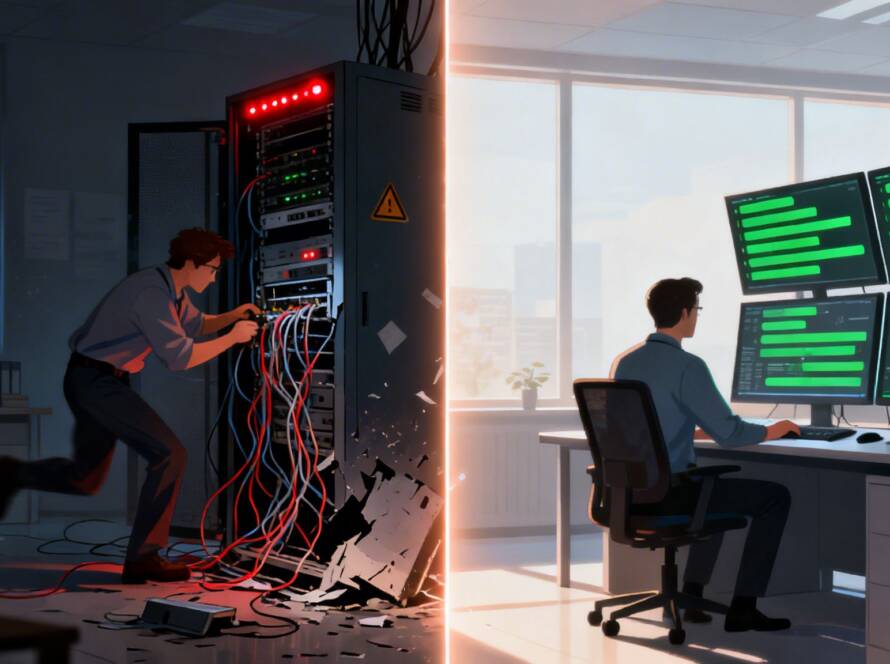
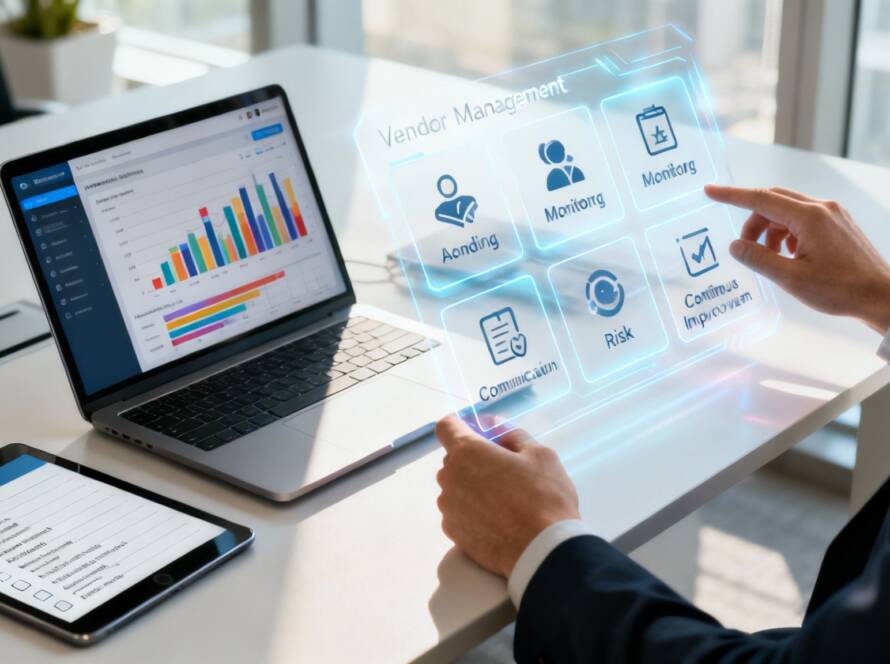
Think of your IT infrastructure for small business as the digital foundation of your company. It's the plumbing, electricity, and security system all rolled into one powerful engine that keeps everything running. In simple terms, it's the complete collection of hardware, software, and networks that your business needs to operate, serve customers, and grow.
A well-designed infrastructure isn't just an expense; it's a genuine strategic asset.
Building Your Business's Digital Foundation
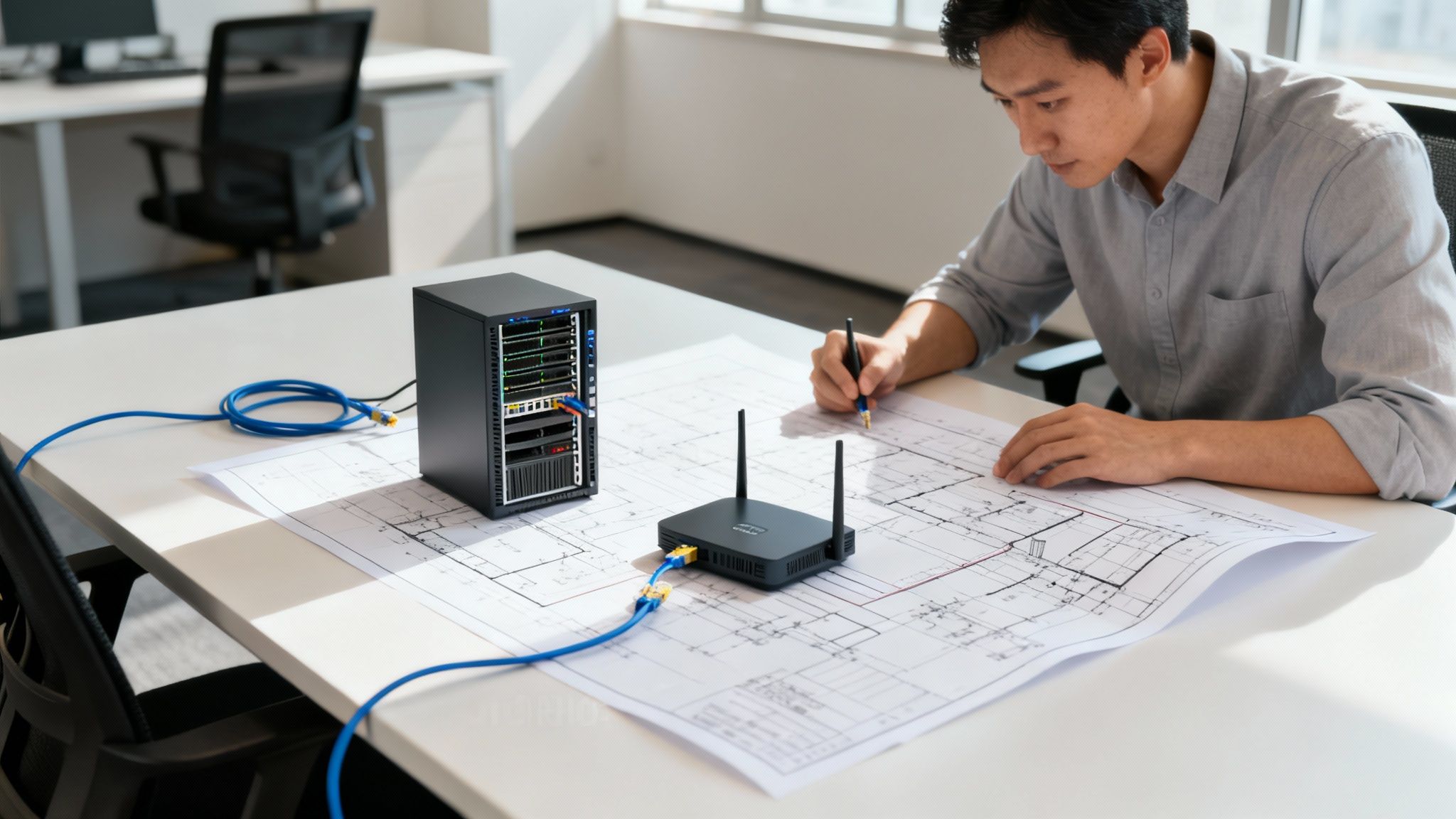
When you construct a new office, you don't start with paint colors and furniture. You begin with a solid foundation, proper electrical wiring, and secure locks on the doors. Your company's technology operates on the exact same principle. The IT infrastructure is that invisible-but-essential framework that supports every single digital task.
It's the sum of all the tech components working together behind the scenes—from the laptop you use for email to the server storing your company files. Every single piece plays a critical role.
Why This Foundation Matters
Without a proper structure, your day-to-day operations can quickly become a mess of inefficiency and risk. A weak or outdated system leads to slow performance, frustrating downtime, and—worst of all—serious security breaches. On the flip side, a robust setup acts as a springboard for success.
A strong it infrastructure for small business helps you:
- Operate efficiently by giving your team fast, reliable access to the tools and data they need to do their jobs.
- Protect sensitive information from cyber threats, keeping both your company’s and your clients’ data safe.
- Scale for growth with a flexible framework that can adapt as your business expands, rather than holding you back.
Think of it this way: a well-planned infrastructure lets you focus on your actual business—serving clients, developing products, and driving revenue—without getting bogged down by constant tech headaches.
More Than Just Computers
At the end of the day, your IT infrastructure is the central nervous system of your entire operation. It connects your employees, supports your customer interactions, and secures your most valuable asset: your data. Understanding its components is the first step toward building a resilient and productive business. This digital foundation is what ensures stability and helps you compete effectively.
The Core Components of Your IT Setup
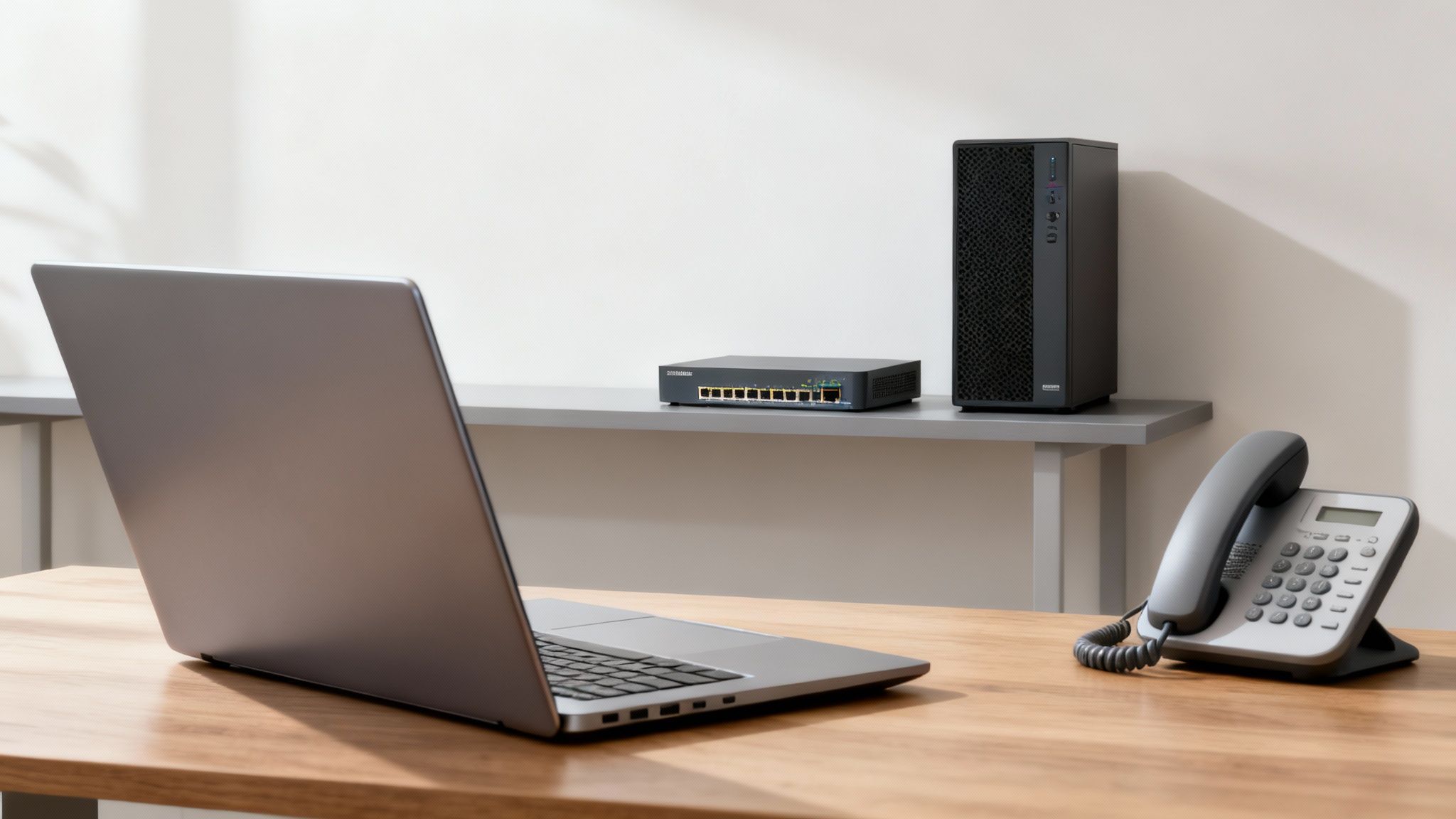
Okay, you get the big picture. Now, let's get our hands dirty and look at the actual building blocks your business needs to run smoothly. A solid it infrastructure for small business isn't just one thing; it's a team of essential components working in harmony. Think of it like a professional kitchen—every knife, oven, and workstation has a specific, critical job.
Each piece, from the networking cables tucked into the walls to the phone on your desk, plays a part. When you choose them wisely and set them up correctly, they create a seamless workflow that keeps your team productive and your customers happy.
Networking: The Business Nervous System
Your network is the central nervous system of your entire company. It's the web of connections that lets all your devices talk to each other and, just as importantly, to the outside world. If the network goes down, everything grinds to a halt. It's that simple.
This system is built from a few key pieces of hardware:
- Routers: This is the traffic cop for your data, directing it between your local office network and the vast world of the internet. A business-grade router is a must, as it offers far better security and performance than the one you have at home.
- Switches: Think of a switch as a smart power strip for your network. It takes a single wired connection and splits it out to multiple devices like computers, printers, and phones.
- Wireless Access Points (WAPs): These are the devices that broadcast your Wi-Fi signal. For a business, a few strategically placed WAPs are much better than a single, overpowered router, as they eliminate dead zones and ensure everyone has a strong, stable connection.
Getting this foundation right is crucial. To dig a little deeper into how these pieces fit together, you can learn more about what network infrastructure is and why it's so fundamental. Check out this guide here: https://www.gtcomputing.com/what-is-network-infrastructure/
Servers and Endpoints: The Brain and the Hands
If the network is the nervous system, then servers are the brain, and endpoints are the hands that get the work done. Servers are heavy-duty computers built to store, process, and manage all your company's data and applications. They can be a physical box humming away in a closet or virtual machines hosted in the cloud.
Endpoints are simply the devices your team uses every single day—desktops, laptops, smartphones, and tablets. Don't overlook them. Securing and managing every one of these devices is just as important as protecting your main server, because each one is a potential doorway for security threats.
Choosing the right email system is a surprisingly critical decision. It directly impacts your communication reliability and security. Take some time to explore the best email hosting options for small businesses before you commit—it's a foundational piece of your digital puzzle.
The Non-Negotiable Support Systems
Beyond the core hardware, a few other systems are absolutely essential for any modern business. These are the unsung heroes that provide crucial support for communication, security, and long-term stability. They are the true backbone of a resilient it infrastructure for small business.
Data Backups and Disaster Recovery
Your data is one of your most valuable assets. A solid backup system is your insurance policy against everything from a simple hard drive failure to a cyberattack or even a fire or flood. If your data suddenly vanished tomorrow, could your business survive? A reliable backup is the only thing that can get you up and running again. Good solutions today often mix local backups for speed with secure cloud storage for disaster-proofing.
Voice over IP (VoIP) Phone Systems
Let's be honest, traditional phone lines are on their way out. VoIP systems use your internet connection to make and receive calls, which gives you incredible flexibility, features like call forwarding to your cell phone, and usually a much lower monthly bill. It neatly integrates one of your most important communication tools directly into your digital workflow.
Foundational Security Measures
Finally, security isn't something you buy; it's something you build in layers. This starts with a business-grade firewall to act as a gatekeeper, blocking unauthorized access to your network. From there, you need professional antivirus and anti-malware software on every single endpoint. Think of these as the locks on your doors and the alarm system for your digital office. They’re not optional.
Choosing Where Your IT Infrastructure Lives
One of the biggest technology decisions you'll make for your business is where it all "lives." Are you going to build and manage everything inside your own four walls, or will you let someone else host it for you? This choice between an on-premise setup and a cloud-based solution is a major fork in the road, shaping your budget, your responsibilities, and how you work day-to-day.
A great way to think about it is like buying a house versus renting an apartment. When you buy a house (on-premise), you face a big upfront cost and you're responsible for every single repair, from the plumbing to the roof. When you rent an apartment (cloud), you have a predictable monthly payment, and the landlord handles all the major upkeep. The trade-off? You have less control over the property itself.
There's no single right answer here. The best fit really depends on your business, your budget, and where you see yourself in the next few years.
The On-Premise Model: Owning Your IT
Going the on-premise route means you buy, own, and control all the physical hardware and software yourself. Your servers sit right there in your office—maybe in a dedicated closet—and your in-house team or IT partner is responsible for keeping everything running, secure, and up to date.
This approach gives you the ultimate level of control. You can tweak and customize every part of the system to fit your exact needs, which can be non-negotiable for businesses with strict rules about where their data can live.
But that control comes with a price tag. The initial cash outlay for servers, networking equipment, and software licenses can be pretty steep. On top of that, you’re on the hook for all the ongoing costs—electricity, cooling, and replacing hardware when it eventually fails.
The Cloud Model: Renting Your IT
With the cloud, you're essentially renting computing power and storage from a major provider like Amazon Web Services (AWS), Microsoft Azure, or Google Cloud. Instead of buying a server, you pay a monthly fee to use a small slice of their enormous, professionally managed data centers.
This model flips a large capital expense (CapEx) into a predictable operating expense (OpEx). You pay only for what you use and can add or remove resources almost instantly as your business grows or slows down. The provider takes care of all the hardware maintenance, physical security, and infrastructure headaches, letting you focus on what you do best. If this sounds like the right direction, it's worth reviewing a guide on how to migrate to the cloud to see what the journey looks like.
The massive shift in how businesses handle technology is clear: the global cloud computing market is expected to hit over $1.2 trillion by 2028. This isn't just a trend; it's a direct response to the need for more flexibility, easier growth, and smarter cost management.
Comparing Your Options Side-by-Side
To help you decide, let's put the two options head-to-head. Seeing the trade-offs laid out like this can make the right path for your IT infrastructure for a small business much clearer.
On-Premise vs Cloud Infrastructure: A Small Business Comparison
| Factor | On-Premise Infrastructure | Cloud Infrastructure |
|---|---|---|
| Cost Structure | High upfront capital expense (servers, licenses) plus ongoing maintenance costs. | Predictable monthly operating expense based on usage, with no large initial investment. |
| Control & Customization | Complete control over hardware, software, and data. Highly customizable. | Less direct control; you operate within the provider's environment and service offerings. |
| Scalability | Scaling requires purchasing and installing new hardware, which takes time and money. | Highly flexible. Resources can be scaled up or down in minutes to meet demand. |
| Maintenance | Your team is fully responsible for all maintenance, updates, and troubleshooting. | The cloud provider manages all hardware, network, and physical security maintenance. |
| Security | You are responsible for both physical security (server room) and cybersecurity. | Shared responsibility: provider secures the infrastructure; you secure your data and access. |
| Accessibility | Access is typically limited to the office network unless you configure remote access. | Data and applications are accessible from anywhere with an internet connection. |
Ultimately, choosing between on-premise and the cloud is a strategic decision. If your business needs absolute control over sensitive data or runs highly specialized software, on-premise might still be the way to go. But for most startups and growing companies that value flexibility, speed, and predictable spending, the cloud is often the most practical and powerful solution.
Creating Your Small Business IT Roadmap
Knowing what IT components you need is one thing; turning that knowledge into a smart, workable strategy is another entirely. Without a clear plan, you risk throwing money at tech that doesn't solve your real problems or, worse, can't grow with you. A proper IT roadmap connects your technology decisions directly to your business goals.
The first step is always the same: a brutally honest look at where you stand right now. By asking the right questions, you can quickly find your weak spots, identify what’s working, and see where you can make meaningful improvements. This initial audit is the foundation for every smart IT decision you'll make.
Assess Your Current Technology Landscape
Before you can build for the future, you have to know exactly what you’re working with today. This isn’t just about making a list of computers. It’s about understanding how technology actually serves—or fails—your business day-to-day.
Get started with this simple checklist to guide your thinking:
- Mission-Critical Applications: What software could you absolutely not function without? Think about your accounting, CRM, or project management tools.
- Data Growth: Is your business data piling up faster than you can manage it? Are you constantly bumping up against storage limits?
- Security Blind Spots: What keeps you up at night when it comes to security? Have you had any close calls or actual breaches?
- Performance Bottlenecks: What daily tasks are painfully slow for your team? Which applications are always crashing or lagging?
- Employee Workflow: Can your team collaborate smoothly, whether they’re in the office, at home, or on the road?
Answering these questions gives you a real, tangible starting point. It helps you build a roadmap that solves actual problems instead of just buying the latest gadgets.
Understanding Your IT Budget
Once you’ve figured out what you need, the next question is always about money. In IT, costs typically fall into two main buckets: Capital Expenditures (CapEx) and Operating Expenditures (OpEx). Knowing the difference is crucial for managing your cash flow effectively.
Capital Expenditures (CapEx): These are the big, one-time purchases for physical assets you own outright—think servers, new laptops, or network switches. It’s a significant upfront investment.
Operating Expenditures (OpEx): These are your regular, predictable subscription costs. Think cloud services like Microsoft 365 or a monthly retainer for managed IT support. This model avoids the big initial hit and makes budgeting much easier.
This flowchart helps visualize how to decide between an on-premise (mostly CapEx) or a cloud (mostly OpEx) approach based on how much control you need.
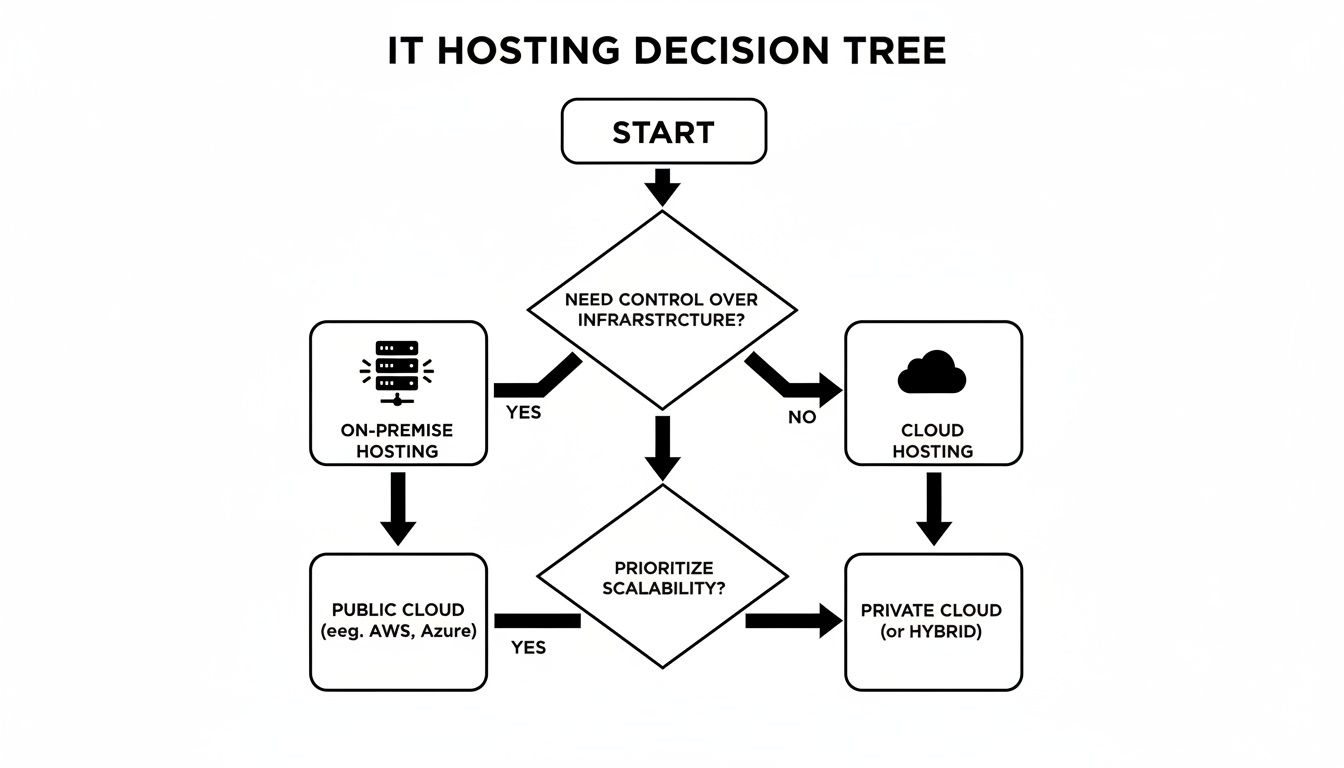
As you can see, the path is pretty clear. If you want direct, hands-on control, on-premise solutions are often the way to go. But if you value flexibility and want to offload the management headache, the cloud is your best bet.
Aligning Your Plan with Business Goals
Your IT roadmap can't live in a bubble. It has to be a direct enabler of your business goals. Whether you’re planning to open a new office, launch an e-commerce site, or double your staff, your technology has to be ready to support that growth.
This mindset is becoming the norm. Global IT spending is projected to blow past $6 trillion by 2026, with a massive focus on making infrastructure more reliable and secure. And it's not just big corporations; a staggering 88% of small and mid-sized businesses now rely on managed IT services. They've discovered it's a powerful way to gain expertise and stay efficient. To dig deeper, you can explore more about these IT modernization trends.
With your assessment done and a budget model chosen, you're ready to lay out a practical, step-by-step plan. This roadmap will transform what feels like a massive project into a series of achievable goals, making sure your IT infrastructure for small business is a true asset.
Protecting Your Business with Smart Security
A solid IT infrastructure for a small business is about more than just keeping the lights on—it's about survival. In our connected world, cyber threats aren't some far-off problem for giant corporations. They're a direct and immediate risk to businesses just like yours.
Frankly, building an IT setup without security is like building an office and leaving the doors unlocked. Cybercriminals often go after small businesses for one simple reason: they expect weaker defenses. A single breach can grind your operations to a halt and, worse, shatter the trust you’ve worked so hard to build with your clients.
The High Stakes of Small Business Security
It's easy to fall into the "it won't happen to me" mindset, but the numbers tell a much scarier story. Threats targeting small businesses are skyrocketing. Over 40% of all cyberattacks in 2025 are projected to hit small and mid-sized organizations.
Even more alarming, a staggering 81% of small businesses reported a security breach in the past year. When an attack causes downtime, small businesses can lose anywhere from $12,000 to $24,000 per hour, according to research from IDC. For professional services like law firms or dental practices handling sensitive data, the fallout from a breach—both regulatory and reputational—can be devastating.
This isn't to scare you; it's to make a critical point. Crossing your fingers isn't a strategy. Smart, layered security is the only real defense.
"Your business data is one of your most valuable assets. Protecting it requires a combination of the right technology, smart processes, and an educated team. Security is a continuous effort, not a one-time setup."
Practical, High-Impact Security Measures
You don’t need a massive, enterprise-level budget to seriously upgrade your security. The most effective defenses often come down to simple, consistent habits and tools built right into your daily operations.
Here are three absolute must-haves for every small business:
-
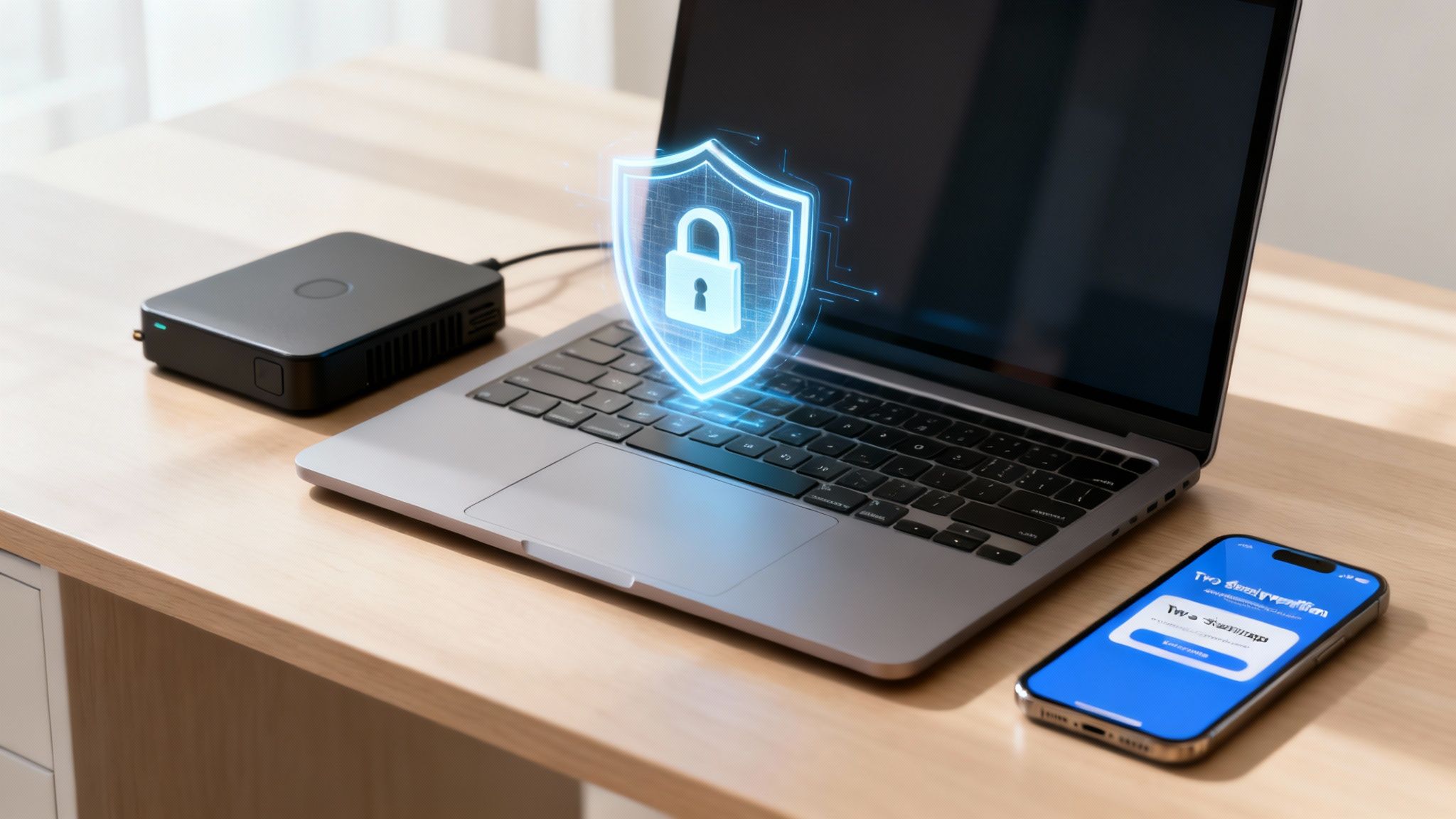
Enforce Multi-Factor Authentication (MFA): Think of MFA as a digital double-check. Even if a criminal manages to steal an employee's password, they can't get in without that second step—usually a code sent to their phone. It is single-handedly one of the best ways to block unauthorized access to email, bank accounts, and cloud services.
-
Conduct Routine Security Awareness Training: Your team is your first line of defense, but without the right knowledge, they can also be your biggest vulnerability. Regular, engaging training teaches them how to spot phishing emails, create strong passwords, and sidestep common scams. This turns your team from a potential liability into a proactive security asset.
-
Maintain a Robust Backup and Recovery Plan: A reliable backup is your ultimate safety net. It's your escape hatch from hardware meltdowns, accidental deletions, and—most importantly—ransomware attacks. A solid strategy includes both a local backup for quick file restores and a secure, off-site cloud backup for true disaster recovery. This ensures you can get back online, no matter what happens.
Navigating Compliance and Building Trust
For many businesses, protecting data isn't just good practice—it's the law. Regulations like the Health Insurance Portability and Accountability Act (HIPAA) for healthcare, or various state-level privacy laws, set firm rules for handling customer information.
These rules can seem daunting, but their purpose is straightforward: protect consumers. Following them is a cornerstone of building trust. When clients see you take their privacy seriously, they feel more confident doing business with you. A secure IT infrastructure for a small business is your way of proving you're a trustworthy partner.
Part of that commitment is staying aware of new and evolving dangers, like the rising threat of infostealer malware and data breaches. Great security is an ongoing process—a blend of technology, good habits, and awareness that protects your business from the ground up.
Partnering with a Managed IT Service Provider
Let's be honest, managing an entire IT infrastructure for a small business can easily spiral into a full-time job. As your company grows, so does the complexity of your technology. Before you know it, you’re spending more time troubleshooting network issues and patching software than you are actually running your business.
This is the exact moment when smart business owners start looking for a strategic partner. Bringing in a Managed IT Service Provider (MSP) isn't about giving up control. It’s about gaining a dedicated team of experts who proactively manage your technology, stop problems before they start, and give you access to enterprise-level support you couldn't afford on your own.
Recognizing the Signs It's Time for Help
So, how do you know when you’ve hit that tipping point? The signs are usually pretty clear if you know what to look for. These are the common red flags that signal it’s time to call in the professionals.
- You're Always Reacting: Your day is a constant stream of putting out IT fires instead of planning for the future. Every tech issue feels like a crisis.
- Security Concerns Are Mounting: You lie awake worrying about ransomware or a data breach but don't have the expertise to build a proper defense.
- Productivity Is Suffering: Your team is constantly getting bogged down by slow computers, network outages, or software glitches that directly hurt your bottom line.
- Costs Are Unpredictable: One month you’re paying for a crashed server, the next it’s an expensive emergency call-out. Your IT spending is all over the place, making budgeting impossible.
If any of this sounds painfully familiar, you’re probably spending more time managing your technology than using it to grow.
The Strategic Value of a Technology Partner
Partnering with an MSP completely flips the script, turning your IT from a reactive cost center into a proactive asset. Instead of just fixing things when they break, an MSP is always watching over your systems to keep them running smoothly and securely. This approach delivers real, tangible benefits.
Here’s what you stand to gain:
- Access to Expertise: You get a whole team of specialists in networking, security, and cloud services for less than the cost of hiring a single full-time IT employee.
- Proactive System Monitoring: MSPs use sophisticated tools to monitor your infrastructure 24/7, often spotting and fixing problems before you’re even aware of them. That means less downtime for your business.
- Predictable Monthly Costs: Most MSPs work on a flat monthly fee. This makes budgeting a breeze and turns unpredictable capital expenses into a stable, manageable operating cost.
- Enhanced Security Posture: A good MSP lives and breathes cybersecurity. They stay on top of the latest threats and implement layered security to shield your business and your clients' data from attack.
Choosing the right provider is a critical decision that will shape your company's efficiency and security for years. Understanding the key factors is essential, so it's a good idea to learn more about how to choose a Managed Service Provider to ensure you find a partner that truly aligns with your business goals.
Ultimately, working with an MSP frees you and your team to focus on what you do best—serving your clients and growing your business. You get to move forward with the confidence that your technology foundation is solid, secure, and ready for whatever comes next.
A Few Common Questions About Small Business IT
When you're starting to think seriously about your company's tech, a lot of questions pop up. It's completely normal. Most of the time, business owners are trying to figure out the real-world costs, timelines, and priorities. Let's tackle some of the most common questions we get from entrepreneurs.
Think of this as a no-nonsense look at what it really takes to get your IT foundation right.
How Much Should a Small Business Budget for IT?
The classic rule of thumb is to set aside 3% to 6% of your annual revenue for IT. But honestly, that's just a starting point. Your actual number could be higher or lower depending on what your business does.
For example, a law firm or a doctor's office handling sensitive client information will naturally spend more on security and compliance than a small coffee shop. The real goal is to stop thinking of IT as just another expense. It's an investment in making your business run smoother, faster, and safer.
How Long Does It Take to Set Up a New IT Infrastructure?
This really depends on what we're building. If you're a small team and just need a straightforward cloud setup—think email, shared files, and basic security—we can often get that done in a few days. It's quick and relatively painless.
But for bigger projects, like moving an old server to the cloud or wiring a brand-new office from scratch, you're looking at a timeline of several weeks. The most important thing is having a clear plan. Any decent IT partner should give you a detailed project roadmap with clear milestones so you always know what's happening and when.
What Is the Single Most Important Security Measure?
If I had to pick just one thing, it would be Multi-Factor Authentication (MFA). It gives you the most security for the least amount of effort, hands down. MFA is what stops the overwhelming majority of hackers who try to steal passwords.
Think of it like this: even if someone steals your house key (your password), MFA is the deadbolt on the door that they can't get past. It requires a second code, usually from your phone, before letting anyone in. For your email, bank accounts, and any other critical cloud service, it's not optional—it's essential.
Your IT infrastructure is the central nervous system of your business. It touches every sale, every client conversation, and every big decision you make. Keeping it healthy and secure isn't just a tech issue; it's fundamental to your company's growth and ability to weather any storm.
Keep your business running without IT headaches.
GT Computing provides fast, reliable support for both residential and business clients. Whether you need network setup, data recovery, or managed IT services, we help you stay secure and productive.
Contact us today for a free consultation.
Call 203-804-3053 or email Dave@gtcomputing.com